 New
New
Viral Miniature Beach AI Photo Prompt
Create stunning viral miniature beach photos with realistic tiny-person effects, cinematic details, natural lighting and creative AI photography concepts for social media.
Get Prompts →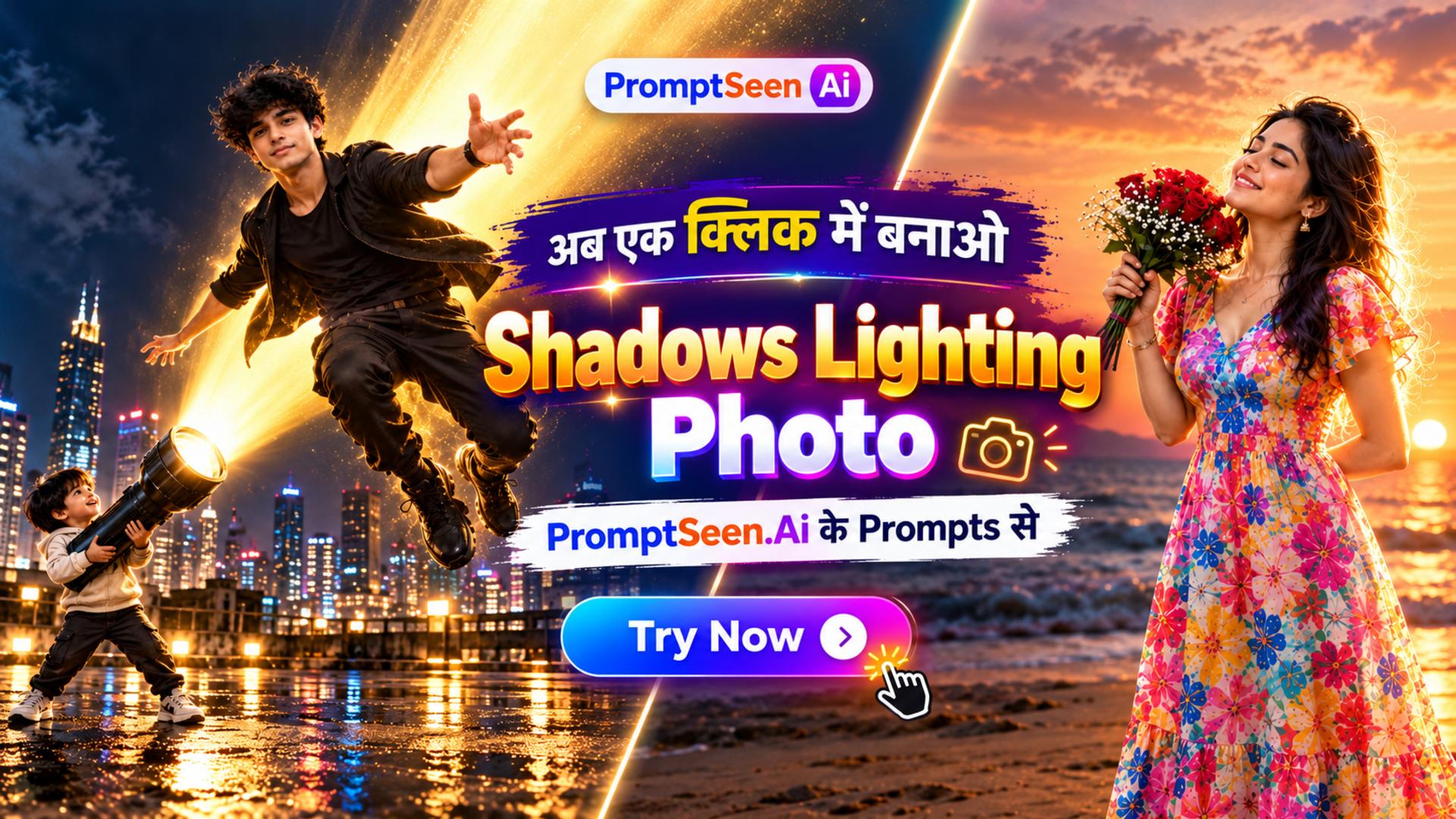
Shadows Lighting Viral AI Photo Prompts
Create stunning AI photos with cinematic shadows, realistic lighting, dramatic depth, and viral visual effects using ready-to-copy Gemini & ChatGPT prompts.
Get Prompts →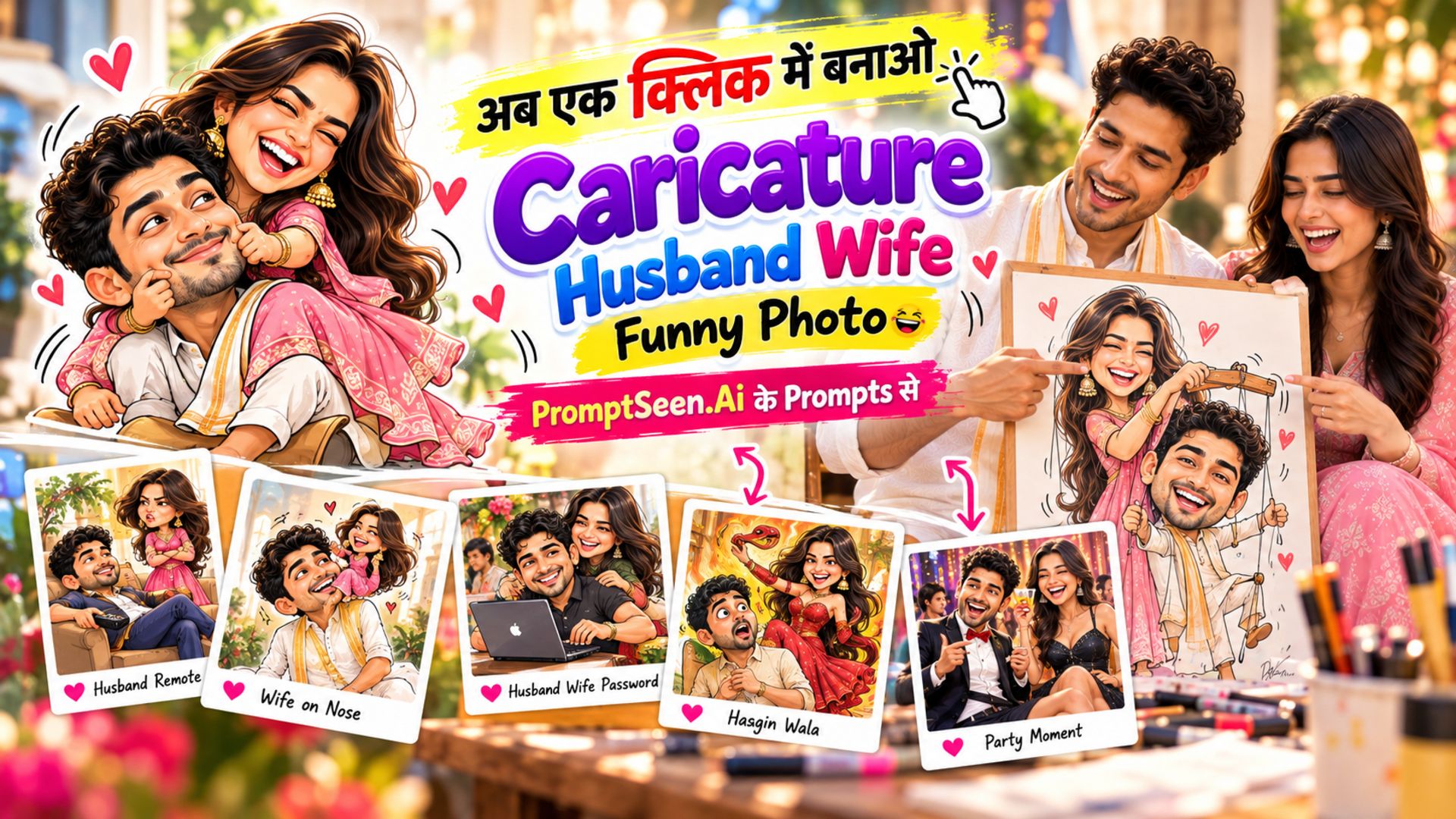
Caricature Artist: Husband Wife Funny Caricature Prompts
Explore hilarious Husband Wife Funny Caricature Prompts featuring playful expressions, exaggerated cartoon styles, funny couple moments, and creative caricature ideas. Create unique couple cartoons with entertaining scenes and memorable visual concepts.
Get Prompts →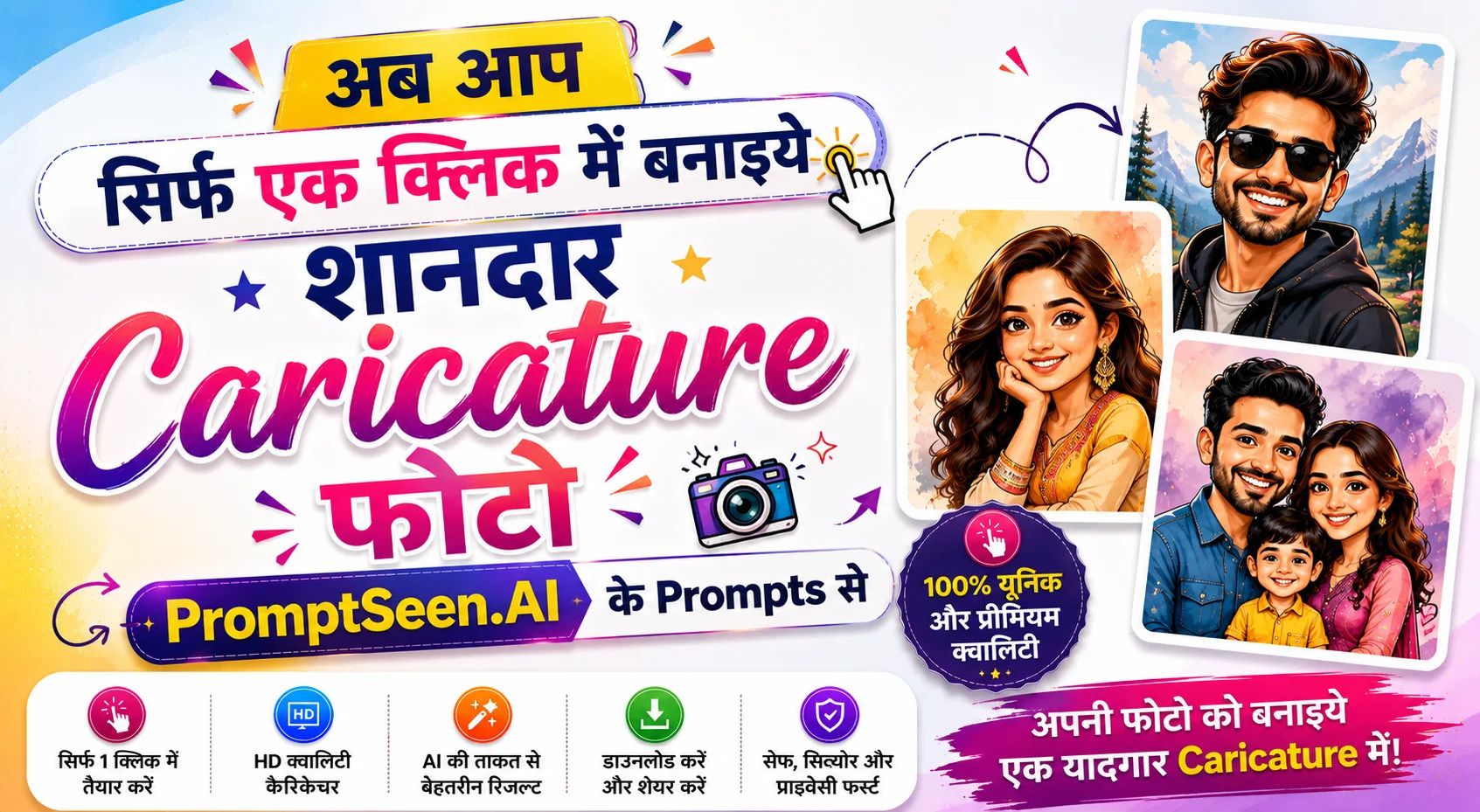
IGP Personalized Caricature Prompt
Create a stunning IGP Personalized Caricature with your photo and turn special memories into a fun, creative masterpiece. Explore unique caricature styles for couples, friends, family, birthdays, anniversaries and special occasions with AI-powered prompts.
Get Prompts →
Chibi AI Collage Prompt
Social media is constantly evolving, and the latest wave of digital creativity has taken Instagram, TikTok, and Pinterest by storm with cute aesthetic chibi avatar collage styles.
Get Prompts →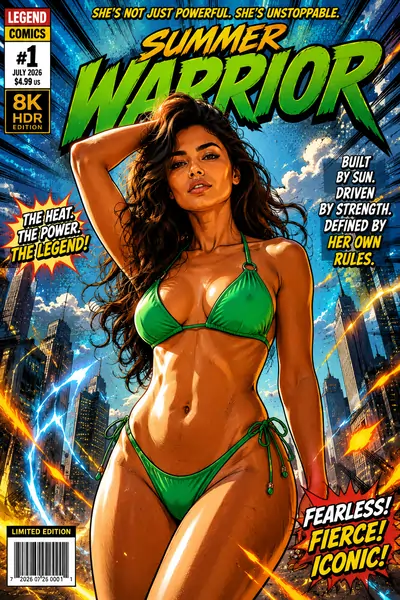
Trending Cartoon Prompt
Trending Cartoon AI Prompt, Comic Pop Art, and dynamic Caricature templates for digital creators seeking high engagement.
Get Prompts →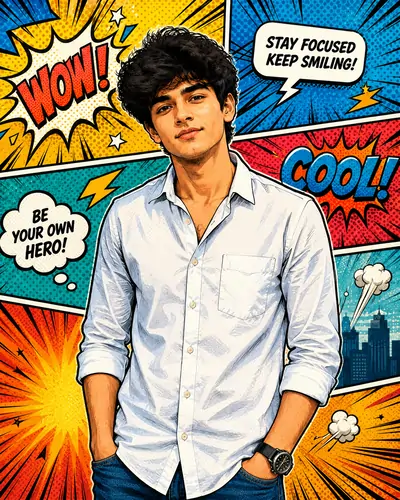
Trending Cartoon AI Prompt
Trending Cartoon AI Prompt: Viral 3D & Chibi Art templates designed for seamless image-to-image photo editing workflows.
Get Prompts →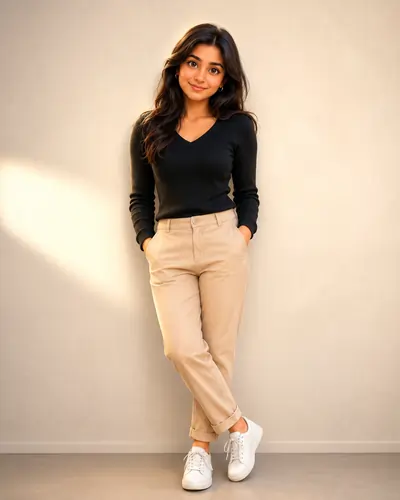
Enhanced 3D Cartoon Portrait
Enhanced 3D Cartoon Portrait AI Prompt (4:5) for modern avatar generation with realistic textures and studio lighting.
Get Prompts →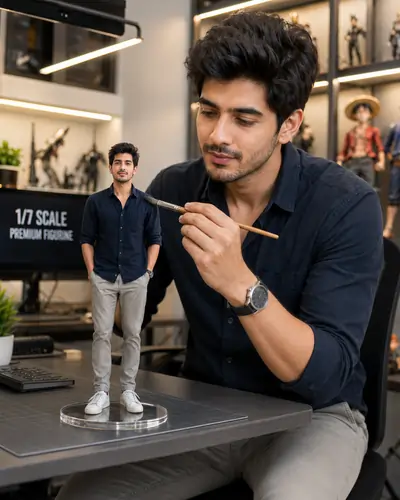
Miniature Figure AI Prompts
Miniature Figure AI Prompts: Hyper-Realistic Toy Art generation models to make your selfies look like collectible vinyl toys.
Get Prompts →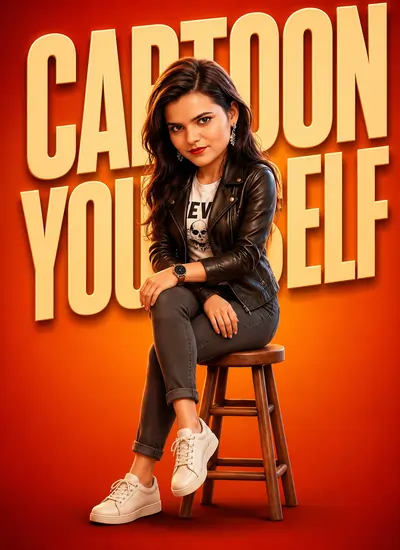
Viral 3D Cartoon Portrait Prompts
Copy paste our viral prompt templates to transform your reference photos into premium 3D cartoon avatars effortlessly.
Get Prompts →
Semi-Cartoon Vector Template
Learn specialized methods to render bold line weights and smooth color gradations across digital vector styles.
Get Prompts →
Colorful Vector Character (Hindi)
A comprehensive structural reference guide compiled entirely in bilingual format for localized digital illustrators.
Get Prompts →Collection Overview & Guide
PromptSeen AI के साथ जुड़ें
रोज़ नए वायरल AI प्रॉम्प्ट, सबसे पहले आपके पास
The Evolution of Stylized Portrait Creation
Welcome to the ultimate resource for mastering Digital Character Art. If you have ever tried turning a real photograph into a highly stylized animation frame, you already know the frustration. In the early days of digital design, whenever a creator requested a unique avatar for their profile, it required hiring a dedicated illustrator to manually trace contours and paint gradient meshes. It was a painstaking, expensive process.
Today, the landscape has radically changed. The demand for Cartoon Avatar Generation has skyrocketed across branding, streaming, and social media. People no longer want simple phone filters; they want hyper-polished, Pixar-quality representations of themselves. But while artificial intelligence has made this technically accessible, executing it perfectly remains an art. Generative engines are heavily biased toward photorealism or highly generic, idealized faces. If you do not know how to speak the exact language of the machine, your resulting image will look entirely different from the original photograph.
This collection page is built specifically to bridge that gap. By breaking down the exact terminology required for successful AI Character Design, we eliminate the guesswork. We move away from typing vague requests and step into the realm of structured, authoritative instructions that force the algorithms to respect your identity while delivering viral aesthetic styling.
Engineering AI Character Design Workflows
The single greatest obstacle in Stylized Portrait Creation is what engineers call "identity drift." Because neural networks are trained on millions of generic, symmetrical faces, they possess a strong instinct to overwrite your unique facial geometry. Your distinct smile or natural jawline is instantly replaced by an algorithmic "average" face.
To establish control, we cannot rely on passive suggestions. You must utilize explicit geometric locks within your text inputs. We accomplish this by dividing our instructional strings into positive aesthetic additions and strict structural limitations. Instead of simply requesting a "cute animation," the framework must explicitly demand that the original nose bridge, eyebrow arch, and overall bone structure remain 100% identical to the reference file.
Furthermore, balancing these commands requires an understanding of underlying network weights. In tools like Midjourney, manipulating the image weight parameter (such as setting it to 1.5 or 2.0) acts as a physical anchor. It forces the system to evaluate the visual pixel data of your uploaded photograph with higher priority than the text-based stylization commands, preventing the system from entirely discarding your personal features.
Shading Mechanics for Cartoon Avatar Generation
Premium Digital Character Art is defined by light physics and surface textures. A common indicator of poor generation architecture is flat, unnatural skin texturing that lacks tactile reality. Professional 3D artists achieve depth by combining distinct studio lighting layers with specific surface finishes. A highly successful technique implemented across our templates is the "soft clay render finish." This specific keyword strips away artificial gloss and plastic shine, replacing it with a velvety, commercial-grade surface style.
When working within specialized vector setups, lighting variables shift from soft gradients into clean color blocks. Matching your texture commands to your intended technical output style prevents visual errors where flat 2D designs attempt to render complex 3D ray-traced shadows. Consistency in terminology is absolutely critical.
Post-Processing and Refinement Secrets
Even with the most meticulously crafted AI Character Design framework, the initial output may require minor refinements. The rendering engine might perfectly capture your face but decide to change the color of your jacket or add an unwanted accessory. This is where advanced inpainting techniques come into play.
By utilizing localized rendering tools—such as the 'Vary (Region)' feature in Discord-based generators or inpainting brushes in modern AI editors—creators can mask specific areas of the canvas, like a distorted collar or a messy background element, and instruct the system to regenerate only that specific section. This ensures that the primary facial geometry remains locked while the secondary errors are corrected.
Ultimately, successful Stylized Portrait Creation is an iterative process. It combines the structured rigidity of code-like text prompts with the creative flexibility of post-production editing. By exploring the specific template cards listed above, you will find the exact syntaxes necessary to control these powerful digital tools, allowing you to generate commercial-grade visual assets predictably and safely.