

1. Free AI Tools: Introduction
A year ago, most people had tried one AI tool: ChatGPT. Today a student, a YouTuber and a shop owner each use five or six of them, and almost all of those tools have a free plan. The problem is no longer finding free AI tools; it is knowing which one is truly free, which one quietly stops working after ten uses, and which one is worth your time at all.
That is what this page is for. It starts with the nine free tools we build ourselves at PromptSeen AI, then gives a hand-checked AI tools list for 2026 from other companies, sorted by what you actually want to do. Every card tells you whether the tool is 100% free or freemium, and what the free tier limits usually look like. Free tiers change often, so always confirm the current limit on the tool's own pricing page before you build a workflow around it.
2. Quick Pick: Best Free AI Tool for Each Job
Most "Top 100 AI tools" lists dump everything in one long column. This AI tools directory works the other way round: start with the job you need done, and pick the tool from the table below. Where we have built a free tool for that job ourselves, it is listed first.
| What you want to do | Free PromptSeen tool | Best free option elsewhere |
|---|---|---|
| Remove a photo background | Background Remover | Photoroom (watermark on free plan) |
| Copy the style of a photo you like | Image to Prompt | Google Gemini (upload and ask) |
| Write a detailed photo prompt for Gemini | Gemini Prompt Generator | ChatGPT |
| Match the look of a reference video | Video to Prompt | Kling AI, Runway |
| Type in Hindi or another Indian language | AI Typing Tool | – |
| Translate a prompt between Hindi and English | Prompts Translator | Bhashini |
| Make barcodes for products | Bulk Barcode Generator | – |
| Save an Instagram post thumbnail | Instagram Thumbnail Tool | – |
| Copy a YouTube video's title and description | YouTube Description Extractor | – |
| Chat, ask questions, write drafts | – | ChatGPT, Gemini, Claude |
| Create images from text | – | Bing Image Creator, Leonardo AI |
| Research with sources you can check | – | Perplexity |
| Study from your own notes and PDFs | – | NotebookLM |
| Turn a long video into Shorts and Reels | – | Opus Clip |
3. PromptSeen Tools for Image Generation & Editing
Visual content is where people need AI tools for image generation and editing the most. These three PromptSeen AI tools are built for that and are completely free:
-
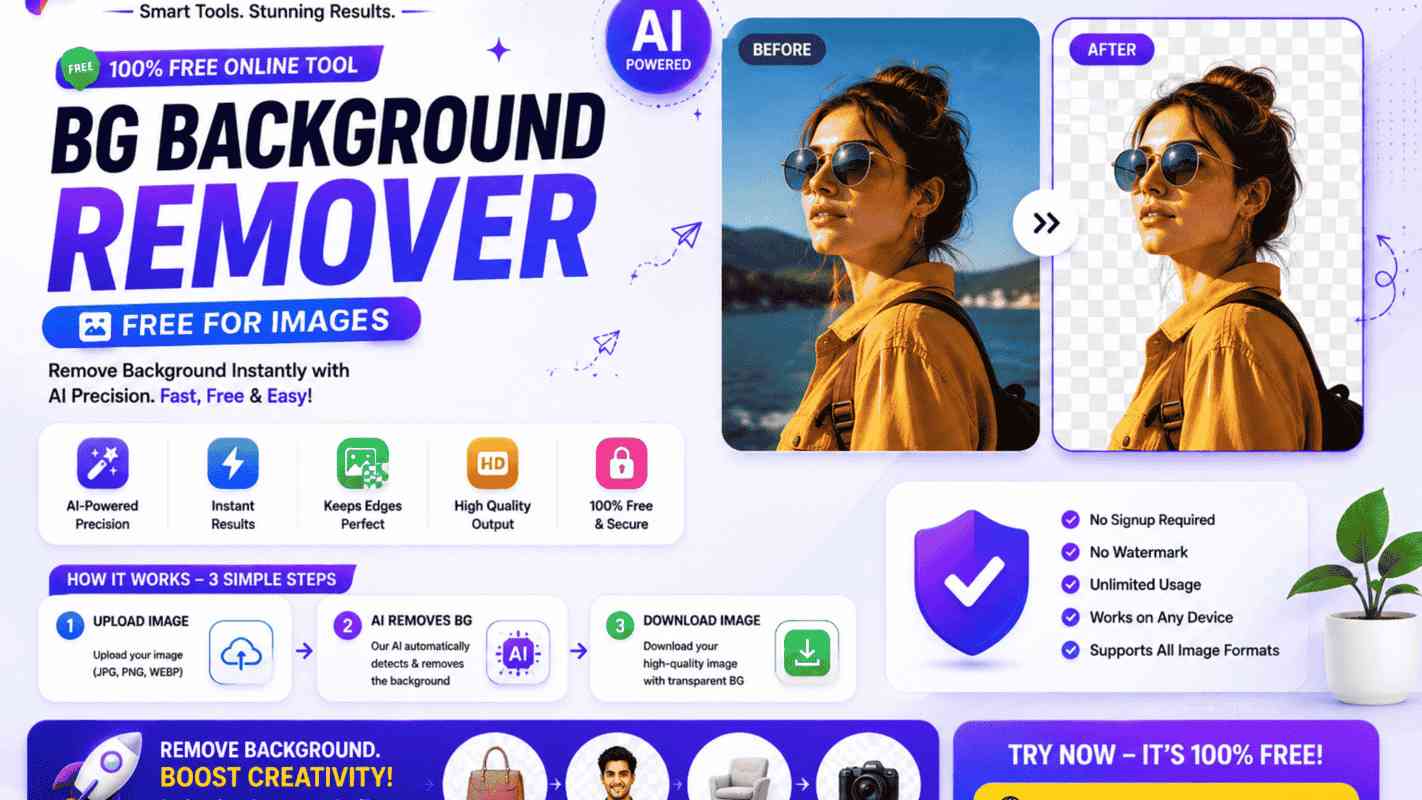
Free AI Background Remover
The AI finds the main subject in your photo and separates it from everything behind it, so you get a clean cut-out you can place on any new background. It is the fastest free AI photo editing tool for this one job.
How to use it:
- Open the Background Remover and upload your photo.
- Wait a few seconds while the AI removes the background.
- Download the HD cut-out and place it on a new background in Canva or any editor.
-
Image to Prompt AI
Instead of guessing how a photo was made, let the AI study it and write the prompt for you: the subject, lighting, colours, camera angle and overall style.
How to use it:
- Open Image to Prompt and upload the picture whose style you like.
- The AI reads the image and writes a detailed prompt.
- Copy the prompt into Gemini, ChatGPT or Midjourney and add your own photo or idea.
-
Gemini Prompt Generator
Most people type one short line into Gemini and get an average result. This tool expands your one-line idea into a full prompt with lighting, camera, pose and style details.
How to use it:
- Type your idea in plain words.
- Generate the structured prompt.
- Copy it into Gemini along with your uploaded photo.
4. PromptSeen Video to Prompt Tool
Video creators spend hours trying to describe a visual style in words. This tool does it for you:
-
Video to Prompt Generator
Describing the look of a clip in words is hard. This tool studies a frame from your reference video and writes the prompt for you, covering the scene, lighting, colour grade and mood. It is the quickest AI tools prompt helper for matching a reference clip.
How to use it:
- Open Video to Prompt and add your reference video or a frame from it.
- The tool analyses the frame and writes a detailed prompt.
- Paste the prompt into Runway, Kling or another video generator.
5. PromptSeen Utility & Creator Tools
Five small tools that solve everyday problems for Indian creators, students and small businesses:
-
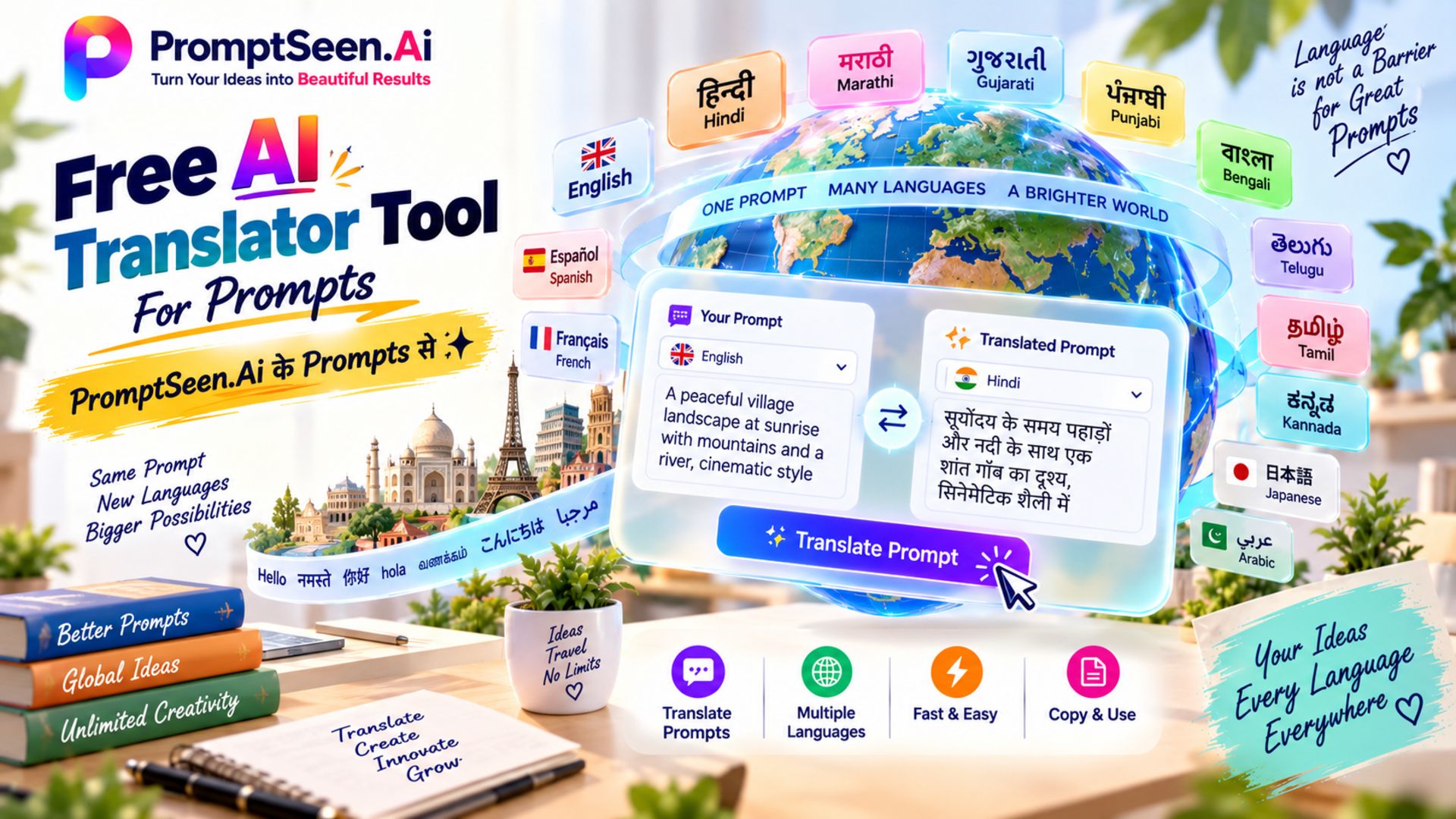
Free AI Prompts Translator
A normal translator often breaks a prompt's structure. This tool keeps the details, instructions and line breaks in place while it changes the language, so the prompt works the same way in ChatGPT, Gemini or Claude.
How to use it:
- Paste your prompt into the translator.
- Choose the language you want.
- Copy the translated prompt and use it in your AI tool.
-
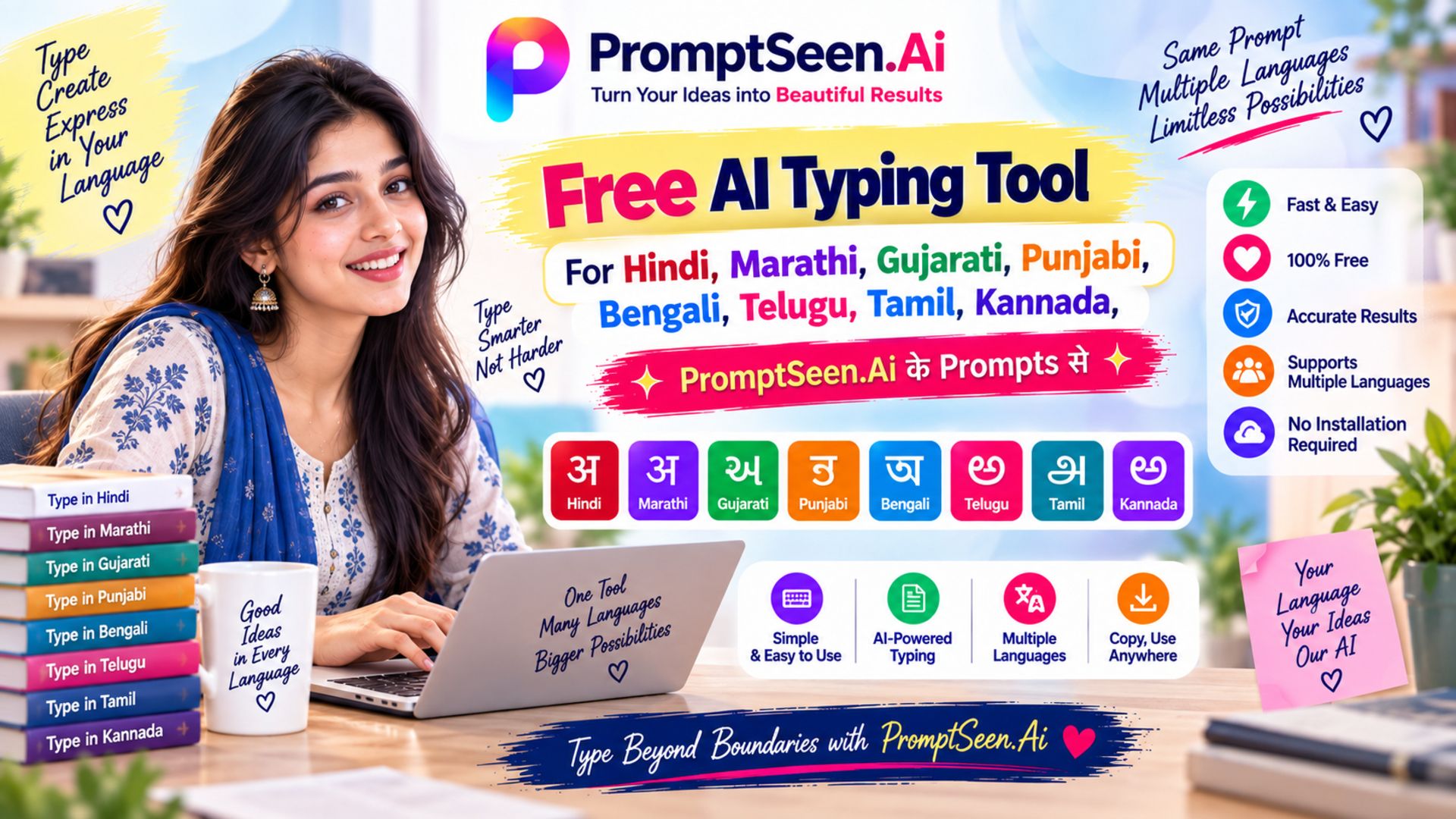
AI Typing Tool Keyboard
Type the way you speak, in English letters, and the tool converts it into the right script with word suggestions. It works for Hindi, Marathi, Gujarati, Punjabi, Bengali, Telugu, Tamil, Kannada and English, so you can write without a regional keyboard.
How to use it:
- Choose your language.
- Type the word in English letters, for example "namaste".
- Pick the right suggestion and copy the finished text.
-
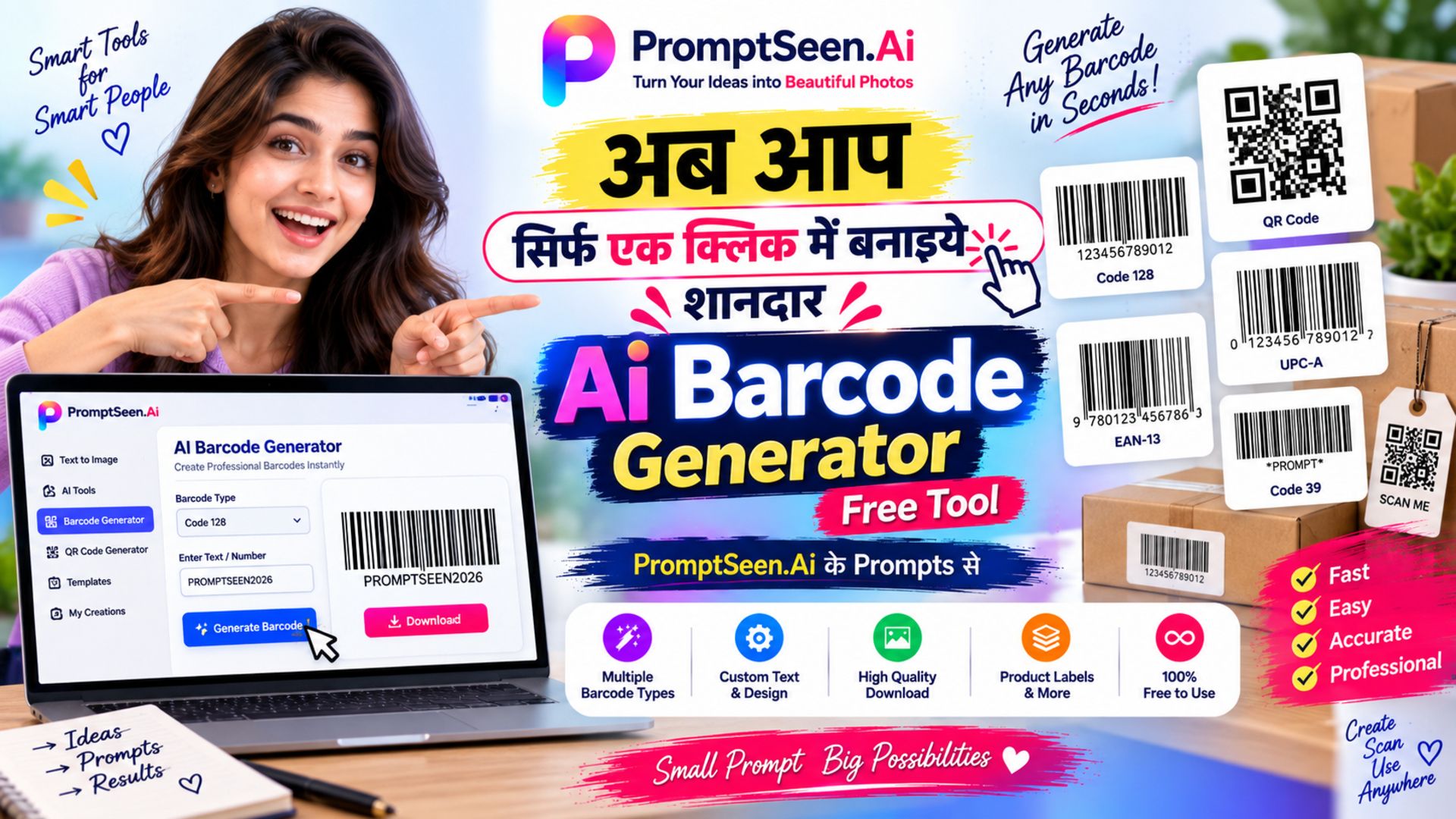
Bulk Barcode Generator
Instead of making barcodes one at a time, enter your full list of product codes and get all the barcodes together in print-ready quality.
How to use it:
- Enter or paste your list of product codes.
- Generate all the barcodes in one go.
- Download them and print your labels.
-
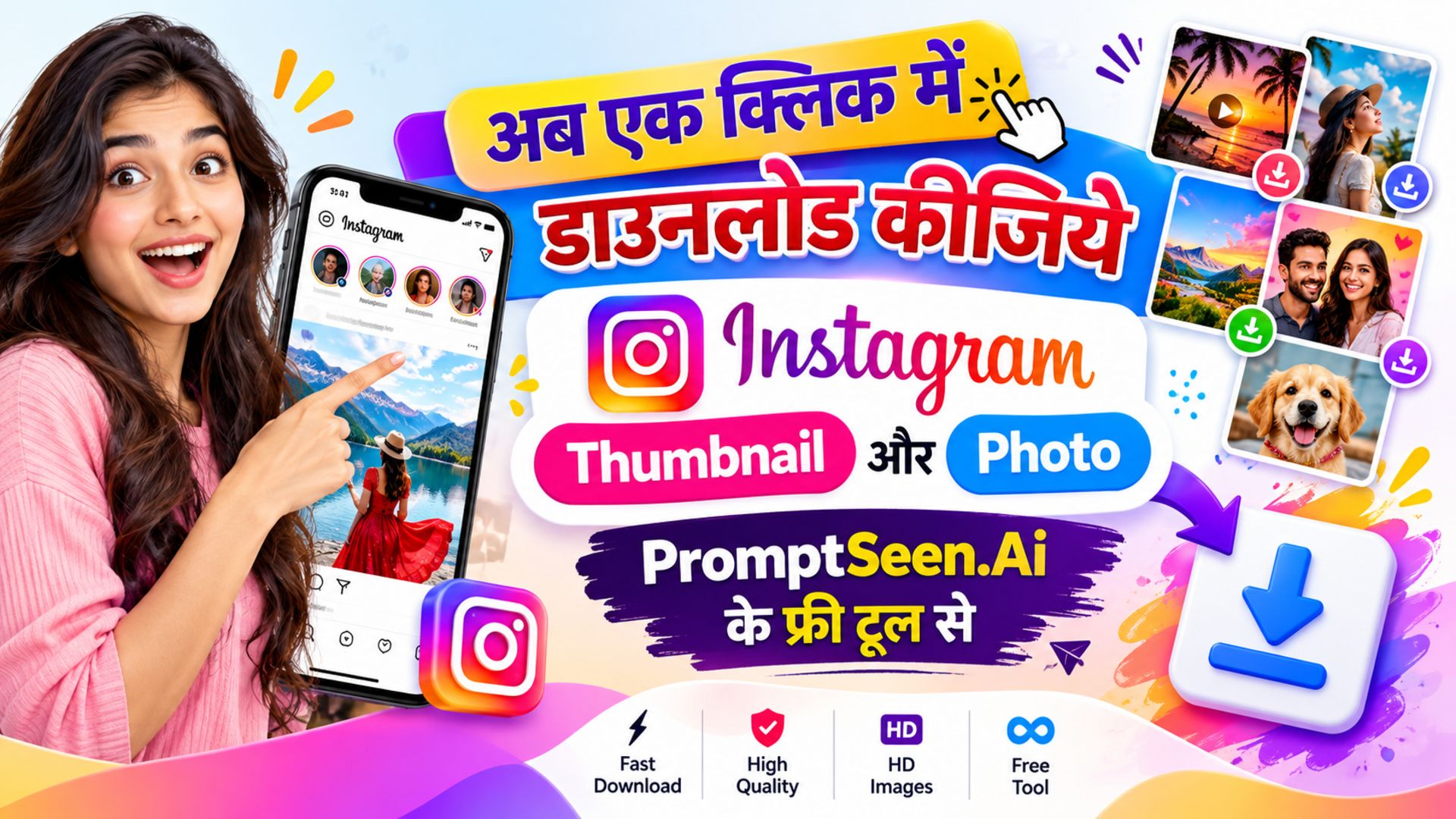
Instagram Thumbnail And Photo Tool
Paste the link of a public Instagram post and save its thumbnail or photo in high quality, without screenshots or cropping.
How to use it:
- Copy the link of the Instagram post.
- Paste it into the tool.
- Download the thumbnail or photo to your device.
Please download only your own content, or content you have permission to use.
Use Instagram Thumbnail Tool ↗ -
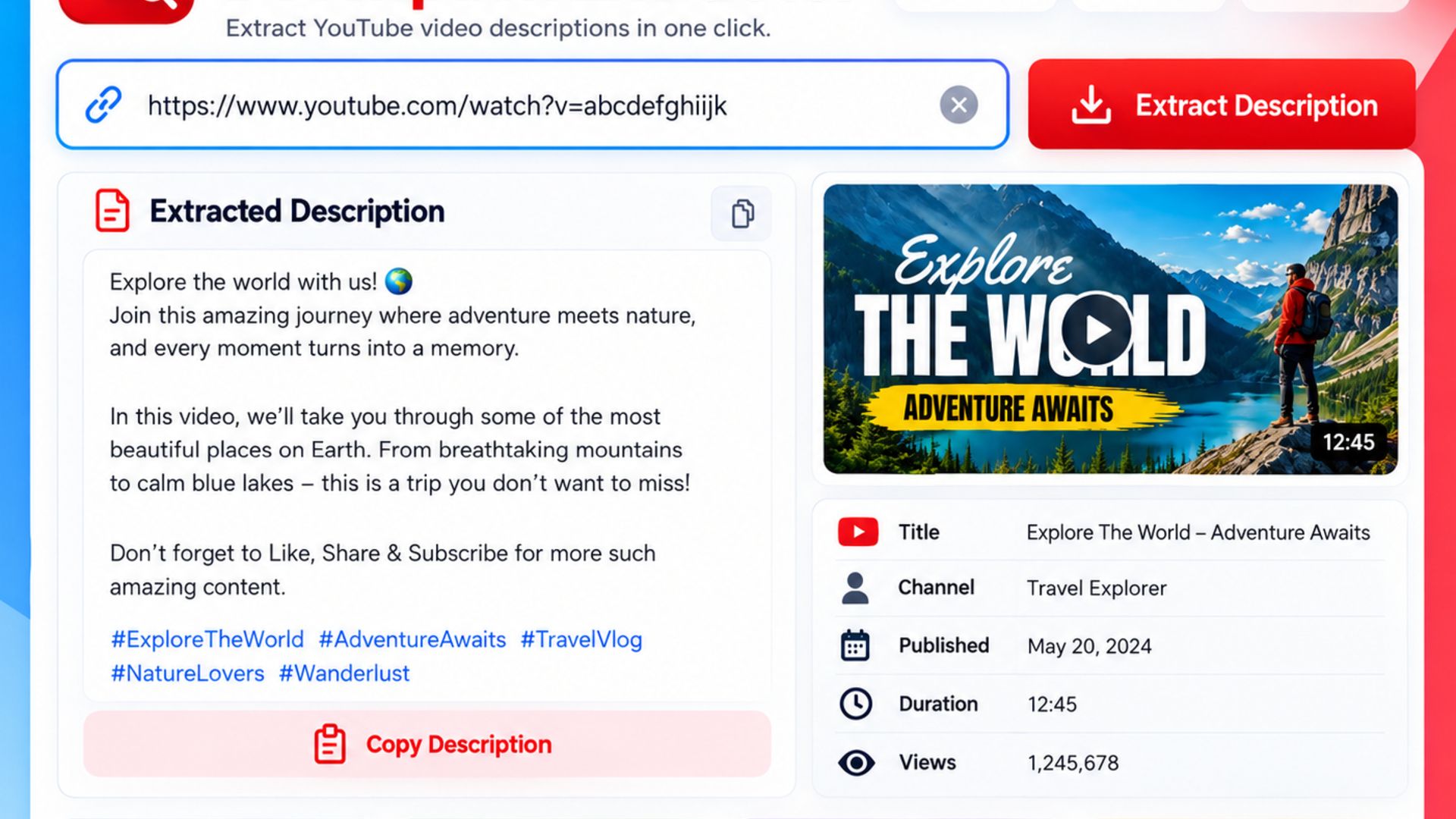
YouTube Description Extractor
Get the exact title and full description text of any YouTube video, without scrolling, expanding and selecting text on your phone.
How to use it:
- Copy the YouTube video link.
- Paste it into the extractor.
- Copy the title and description text.
6. Free AI Chatbots & Assistants
These are the general-purpose assistants most people start with. All of them have a usable free plan; the paid plans mainly add faster models and higher daily limits.
-
ChatGPT
The tool that started it all. The free plan handles writing, questions, coding help and photo prompts well, and most PromptSeen photo prompts are tested on it.
Visit ChatGPT ↗ -
Google Gemini
Google's assistant, and the best free option for photo editing prompts because you can upload a picture and ask for changes directly. Works inside the Gemini app on Android as well.
Visit Gemini ↗ -
Claude
Anthropic's assistant, known for careful long-form writing, document analysis and coding. A strong choice when you need a full article or a long file summarised properly.
Visit Claude ↗ -
Microsoft Copilot
Microsoft's assistant built into Windows, Edge and Bing. Its free plan includes web-connected answers and image generation, which makes it a good all-round free option.
Visit Copilot ↗ -
Meta AI
You do not need to install anything. Meta AI lives inside WhatsApp, Instagram and Facebook Messenger, answers in Hindi and English, and can generate images in chat.
Visit Meta AI ↗
7. AI Tools for Image Generation
If you want to create pictures from text or polish existing photos, these are the free AI image generator and editing tools worth trying alongside the PromptSeen tools above:
-
Bing Image Creator
Microsoft's text-to-image tool. You get a set of fast daily generations; after that it still works, just more slowly. Good for quick social media graphics.
Visit Bing Image Creator ↗ -
Leonardo AI
A favourite for game art, characters and stylised illustrations. The free plan refills a token balance every day, which is enough for a handful of high-quality images.
Visit Leonardo AI ↗ -
Photoroom
Built for e-commerce sellers. It removes the background and replaces it with a clean AI-generated studio scene. The free plan adds a small watermark; for watermark-free cut-outs, use the PromptSeen Background Remover.
Visit Photoroom ↗ -
Canva AI
Canva's free plan includes AI image generation and editing inside the design editor, so you can make a thumbnail or post in one place without switching tools.
Visit Canva ↗
8. AI Video Generation Tools
Text-to-video and image-to-video have matured fast. A free AI video generator will not replace a film crew, but it is enough for Reels, Shorts and ad concepts.
-
Luma Dream Machine
Generates short, realistic clips from a text prompt or a still image. Motion quality is among the best available on a free plan.
Visit Luma AI ↗ -
Runway
A professional video toolkit with text-to-video, image-to-video and editing features. The free credits are enough to test a concept before paying.
Visit Runway ↗ -
Kling AI
Popular for image-to-video with natural human movement. Pair it with the PromptSeen Video to Prompt Generator to match the style of a reference clip.
Visit Kling AI ↗
9. AI Writing Tools
Whether you are drafting an email, fixing grammar or rewriting a paragraph, these free AI writing tools cover the basics:
-
QuillBot
The go-to paraphrasing, grammar and summarising tool for students and writers. The free plan is generous enough for everyday editing.
Visit QuillBot ↗ -
Grammarly
Real-time grammar and spelling correction in the browser, Word and Gmail. The free plan fixes mistakes; the AI rewriting features are limited.
Visit Grammarly ↗
10. AI Coding Tools
For developers and beginners alike, free AI coding tools now write, explain and debug code. These three have real free tiers:
-
Cursor
A VS Code-based editor with AI built in. It understands your whole project, not just one file, which makes it far better than a chatbot for real coding work.
Visit Cursor ↗ -
GitHub Copilot
The original AI pair programmer, now with a free plan inside VS Code. Excellent autocomplete for popular languages and frameworks.
Visit GitHub Copilot ↗ -
Replit
A browser-based coding environment where you can build and run apps without installing anything. Ideal for students learning to code on a laptop or Chromebook.
Visit Replit ↗
11. AI Research & Study Tools
For students and researchers, the right free AI tools for students turn hours of reading into minutes:
-
Perplexity
An AI search engine that answers with source links you can check. The best free choice for research because you can see where every claim came from.
Visit Perplexity ↗ -
NotebookLM
Google's study assistant. Upload your notes, PDFs and links and it answers questions only from those sources, creates summaries and even generates an audio overview.
Visit NotebookLM ↗ -
ChatPDF
Upload a textbook chapter or research paper and chat with it. Handy for exam revision when you need quick answers from a long document.
Visit ChatPDF ↗
12. AI Tools for Content Creators
Running a YouTube channel or Instagram page alone is a full-time job. These free AI tools for creators cut the production time in half. For thumbnails and descriptions, also see the PromptSeen Instagram Thumbnail Tool and YouTube Description Extractor above.
-
Opus Clip
Turns a long YouTube video into ready-to-post Shorts and Reels with automatic captions and hook detection.
Visit Opus Clip ↗ -
CapCut
The most popular free video editor for Reels and Shorts, with auto-captions, AI background removal and trending templates built in.
Visit CapCut ↗ -
ElevenLabs
The most natural AI voices available, including Hindi and other Indian languages. Use it for voice-overs, audiobooks and faceless YouTube channels.
Visit ElevenLabs ↗
13. AI Tools Like ChatGPT
If you have hit the ChatGPT free limit or simply want a second opinion, these ChatGPT alternatives are the ones worth keeping open in another tab:
- Google Gemini: the closest all-round match, with the best free photo editing.
- Claude: stronger at long documents and careful writing.
- Microsoft Copilot: free web-connected answers plus image generation.
- Meta AI: no app needed, already inside WhatsApp and Instagram.
- Perplexity: answers with sources, best when accuracy matters.
- DeepSeek: a free chatbot that is especially good at maths, reasoning and coding questions.
14. Free AI Tools in Hindi
Indian users often search for AI tools Hindi because they assume the big tools are English-only. That is no longer true. Almost every major model now reads and writes Hindi, in Devanagari as well as Hinglish.
- ChatGPT, Gemini and Claude: chat in pure Hindi or Hinglish; all three write Hindi articles, captions and social media posts well.
- Meta AI: answers in Hindi directly inside WhatsApp, which makes it the easiest option for first-time users.
- ElevenLabs: natural Hindi voices for voice-overs and audiobooks.
- Bhashini: the Government of India's free translation platform for Indian languages.
- PromptSeen AI Typing Tool and Prompts Translator: type in Hindi without a Hindi keyboard, and convert prompts between Hindi and English. Our Hindi prompts collection has ready-made prompts written in Hindi.
15. AI Tools for Prompts
Every tool on this page is only as good as the prompt you give it. If you find prompt writing hard, start with a prompt generator instead of a blank box. The Image to Prompt tool turns a reference photo into a prompt, and the Gemini Prompt Generator turns a one-line idea into a full, structured prompt.
For ready-made prompts you can copy and paste, browse the PromptSeen AI collections: photo editing prompts, couple prompts, saree prompts and trending AI photo prompts. Each one has been tested on Gemini and ChatGPT and works with the free plans listed above.