








What Is a Prompt Seen Prompt?
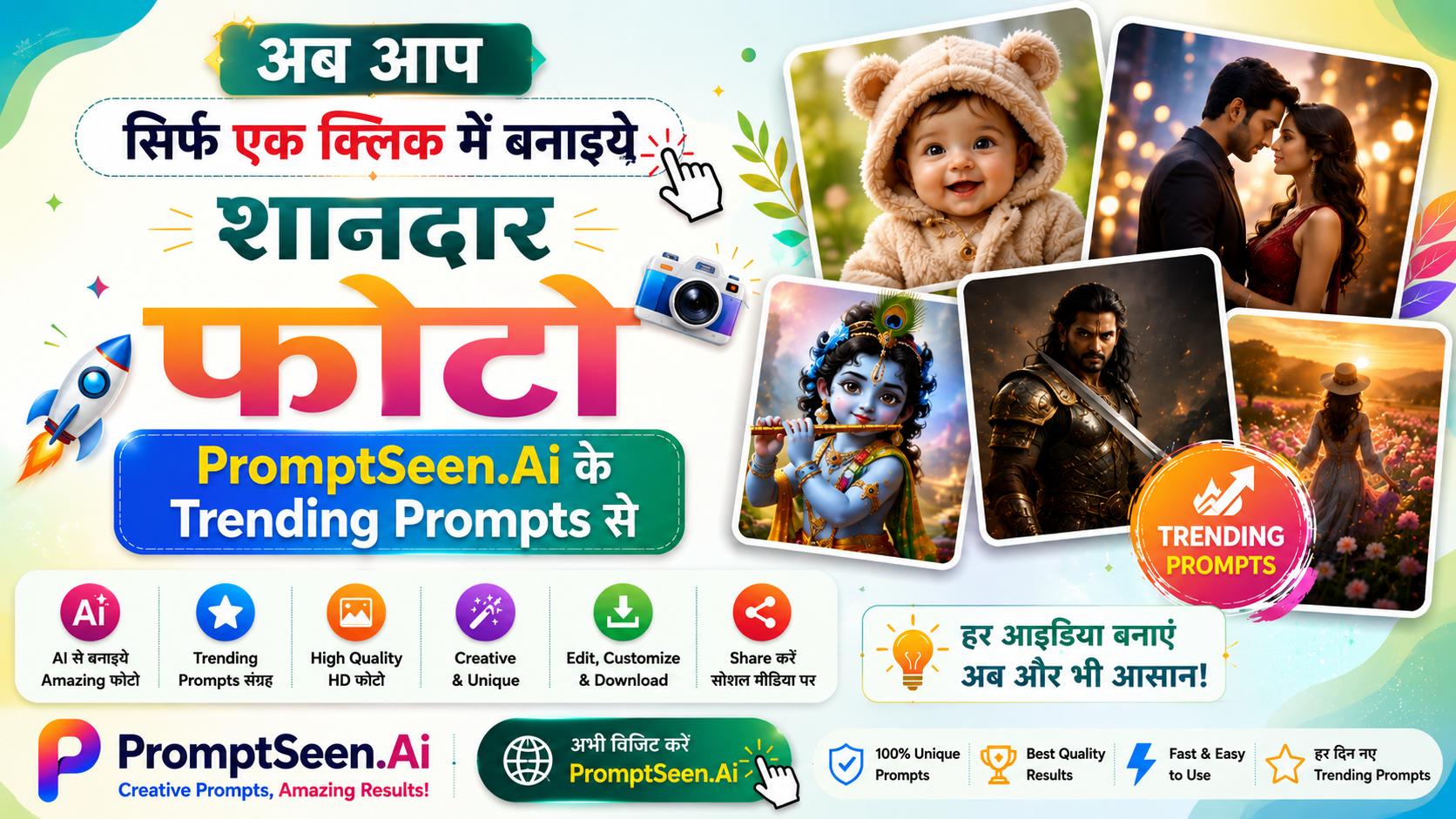
If you have scrolled through Instagram Reels or a WhatsApp status this month, you have already seen the results. A friend turned into a 3D cartoon, a couple standing in a 90s Bollywood poster, a selfie that suddenly looks like a magazine cover. Behind almost every one of those pictures is a Prompt Seen prompt: a short, ready-made instruction that someone pasted into Gemini or ChatGPT along with their photo.
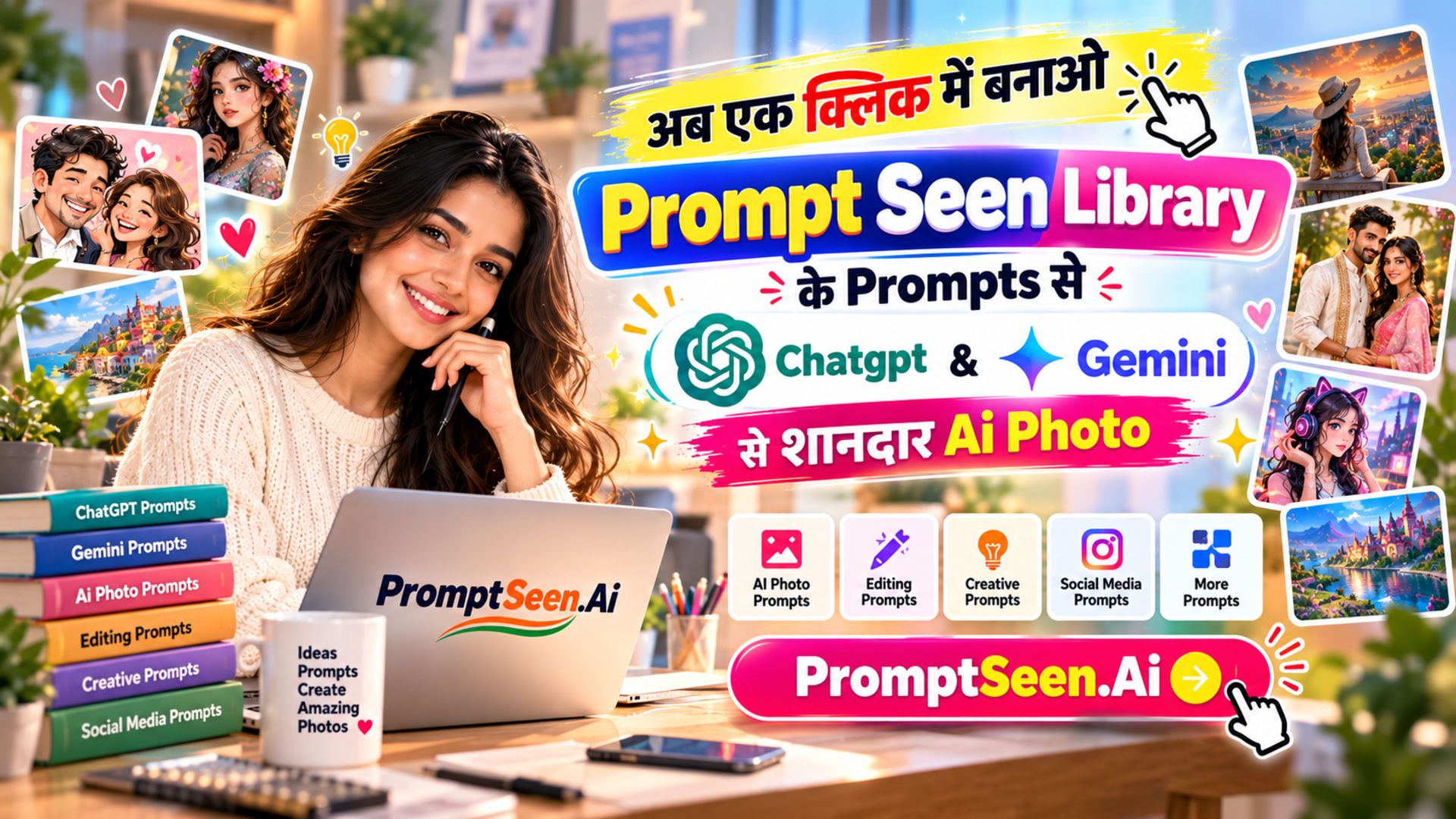
The name comes from how people share these edits. Someone posts a picture, a friend asks for the prompt, and the prompt gets forwarded as a screenshot. The trend grew faster than any single app, which is why "prompt seen" is now one of the most searched phrases for AI photo editing in India. PromptSeen AI collects these prompts in one place, tests each one on Gemini and ChatGPT, and publishes them free with a sample image so you know what to expect before you press generate.
How to Use a Prompt Seen Prompt
The whole process takes under a minute, and you do not need any editing skill:
- Pick a style from the collections above and open the page.
- Press Copy under the prompt you like.
- Open Google Gemini or ChatGPT and upload a clear, front-facing photo.
- Paste the prompt in the chat box and press send.
- Download the result. If the face has changed, regenerate once or twice.
Every prompt on PromptSeen AI opens with an identity line that tells the AI to keep your face, skin tone and features exactly as they are in the uploaded photo. That one line is the difference between an edit that looks like you and one that looks like a stranger. New to this? The step-by-step guide walks through it with screenshots.
Gemini vs ChatGPT for Prompt Seen Edits
Both tools run every prompt in this collection, but they behave a little differently. Gemini is the better choice for most photo edits because it accepts an uploaded picture and applies the prompt directly to it, so identity stays intact more often. ChatGPT gives slightly more creative, cinematic results and handles poster-style layouts with text well. If one tool misses a detail, pasting the same prompt into the other usually fixes it. Both have free plans with a daily limit, so keep the second one open as a backup.
Popular Prompt Seen Styles
The trend keeps changing, but a few styles come back every month:
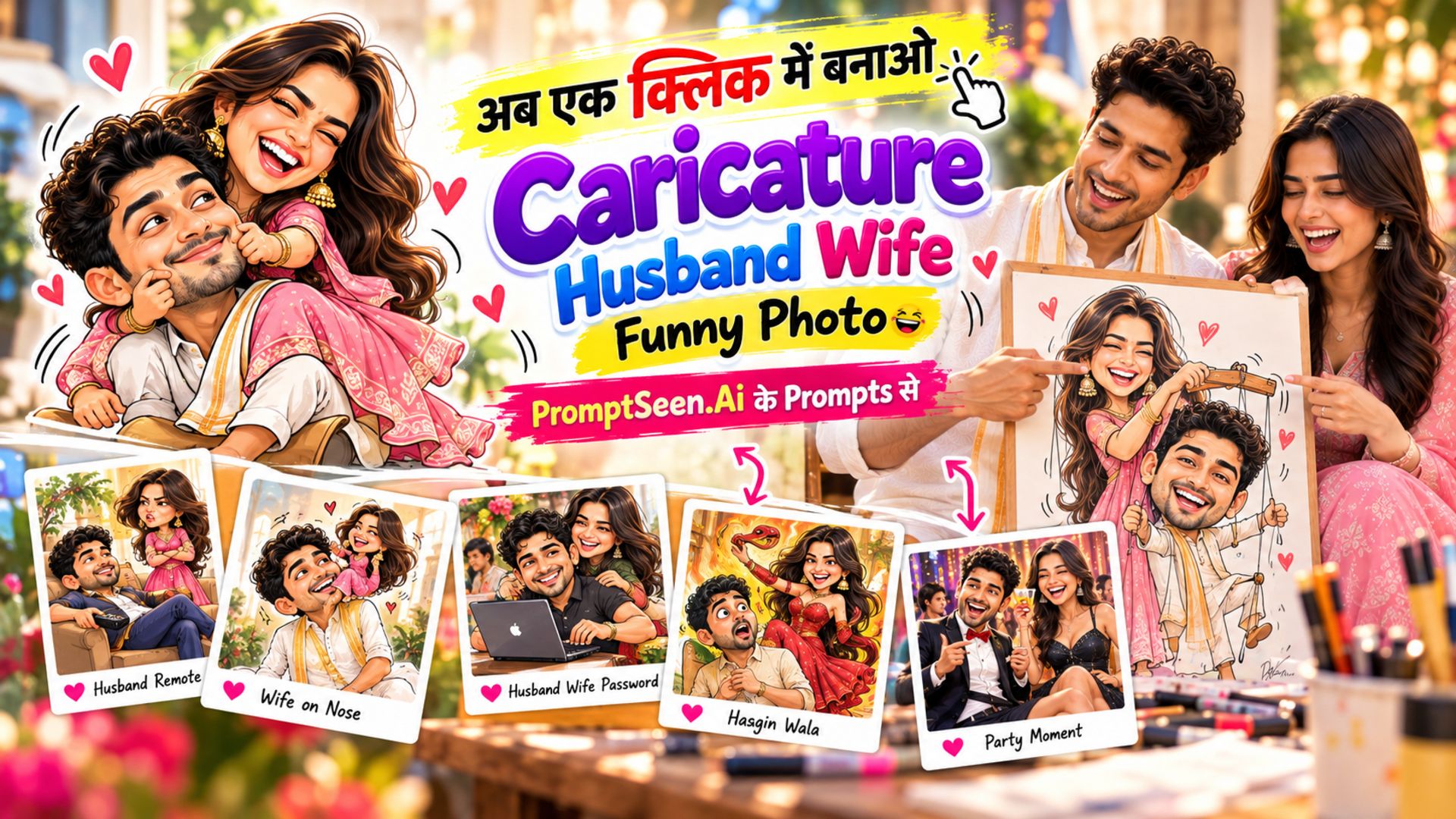
- Cartoon and caricature: 3D Pixar-style avatars, Motu Patlu edits and personalised caricatures. The most shared Prompt Seen category, and the one with its own dedicated collection.
- Retro and vintage: 80s and 90s Bollywood looks, old family-album portraits and film-grain photos. See the couple prompts for the most popular ones.
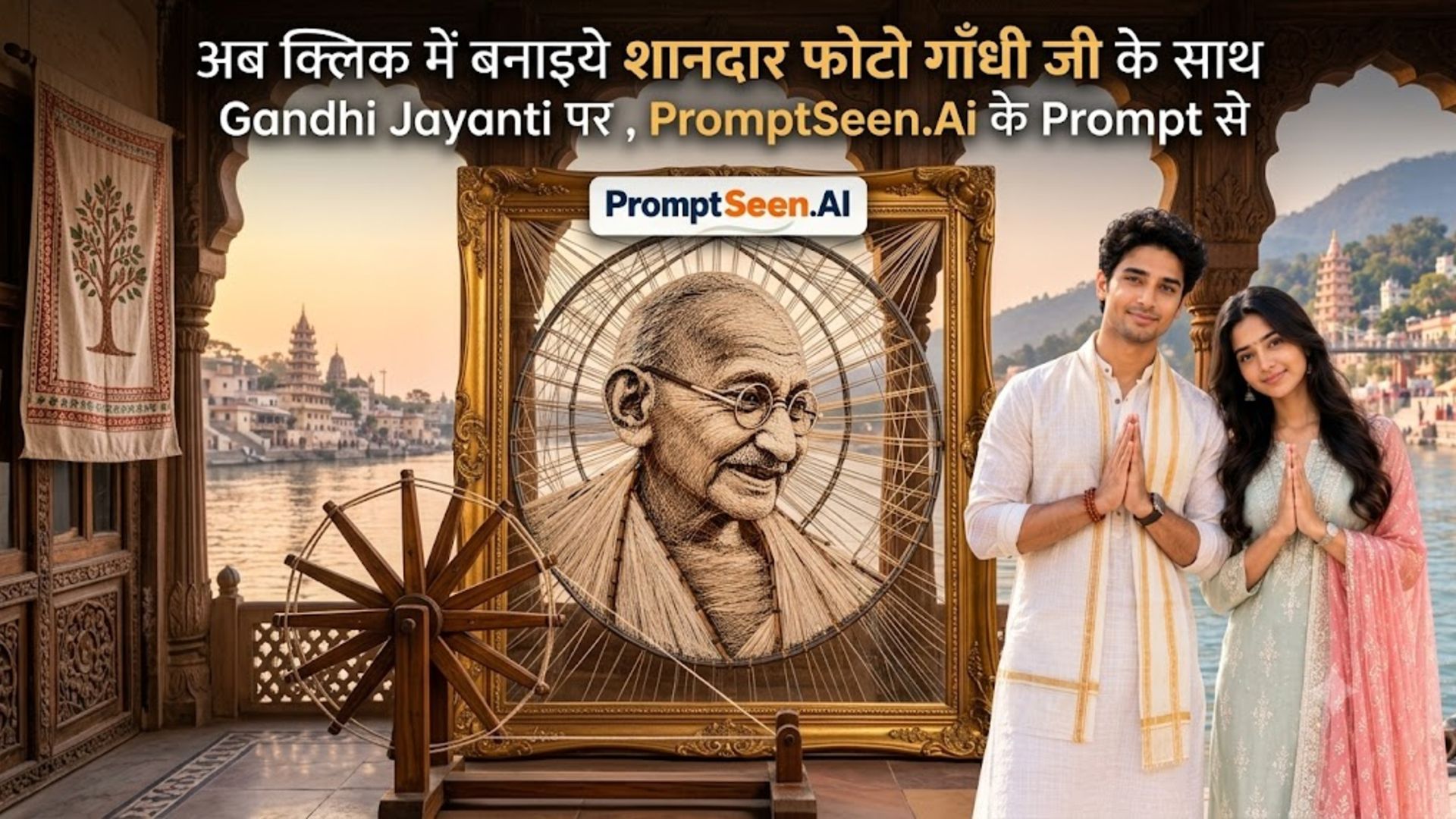
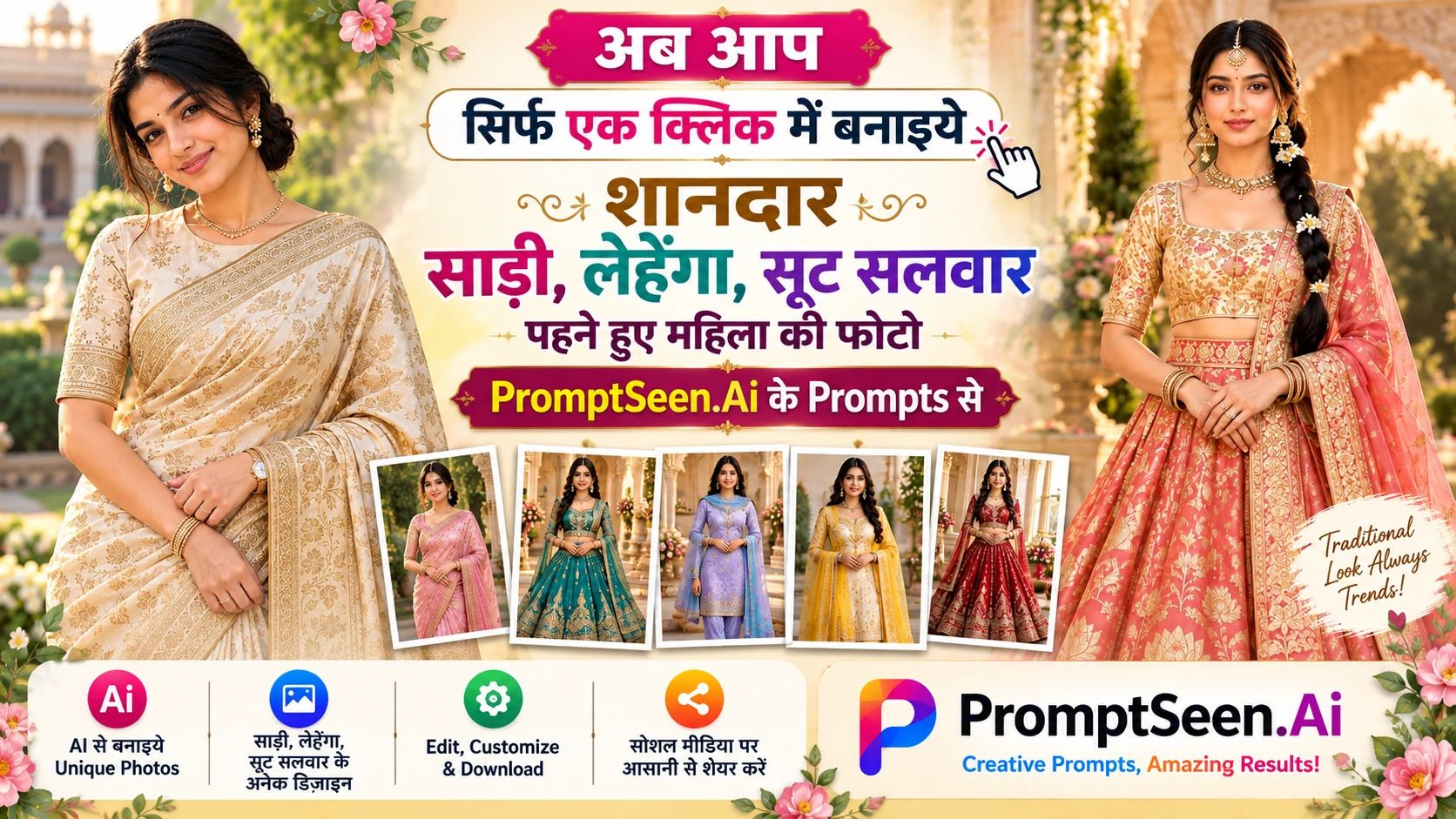
- Trending photo edits: whatever is viral this week, from saree portraits to rooftop couple shots. Updated in Trending AI Photo Prompts.
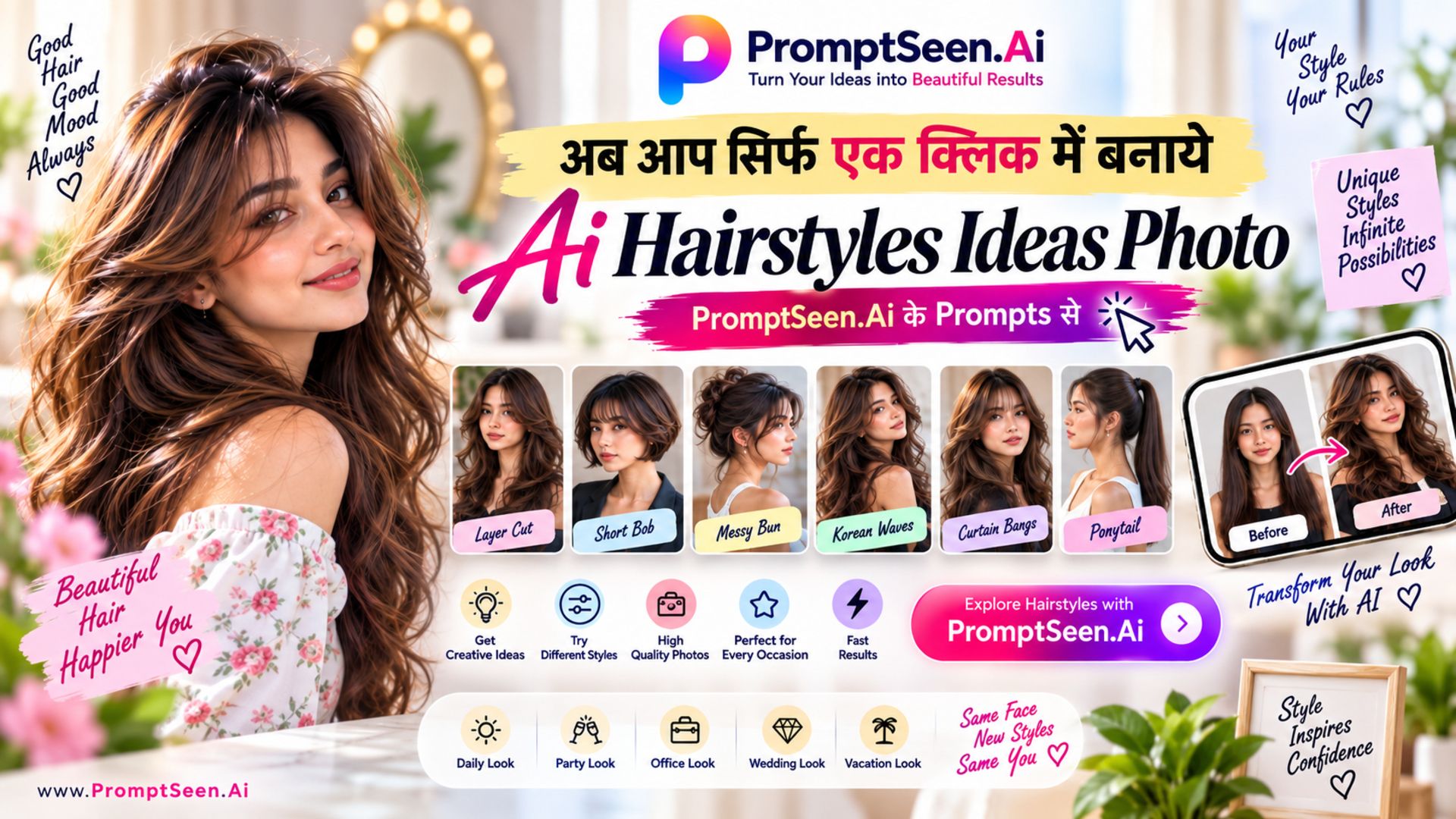
- Practical edits: background change, outfit swap, passport-size photo and black-and-white to colour. Found under photo editing prompts.
- Hindi prompts: the same styles written in Hindi for anyone who prefers to prompt in their own language, in the Hindi collection.
Tips for a Result That Matches the Sample
Sample images on each page were made with the exact prompt shown, but AI tools are not fully deterministic, so your first result may differ. A few habits close that gap:
- Run the prompt unchanged the first time; edit only after you see the baseline.
- Change one detail at a time, such as the saree colour or the background, not three.
- Regenerate two or three times and keep the best one; the second attempt is often better than the first.
- For group photos, use a prompt from the collection that includes a people-count rule so nobody is added or removed.
- Need a prompt for a style you cannot find here? Upload a reference picture to the free Image to Prompt tool and it will write one for you.
PromptSeen AI tests each prompt before publishing and retires the ones that stop working when the AI models update. If a prompt gives you a poor result, tell us through the contact page and it will be fixed or replaced.