
Prompt Seen Couple AI Photo Editing Prompts
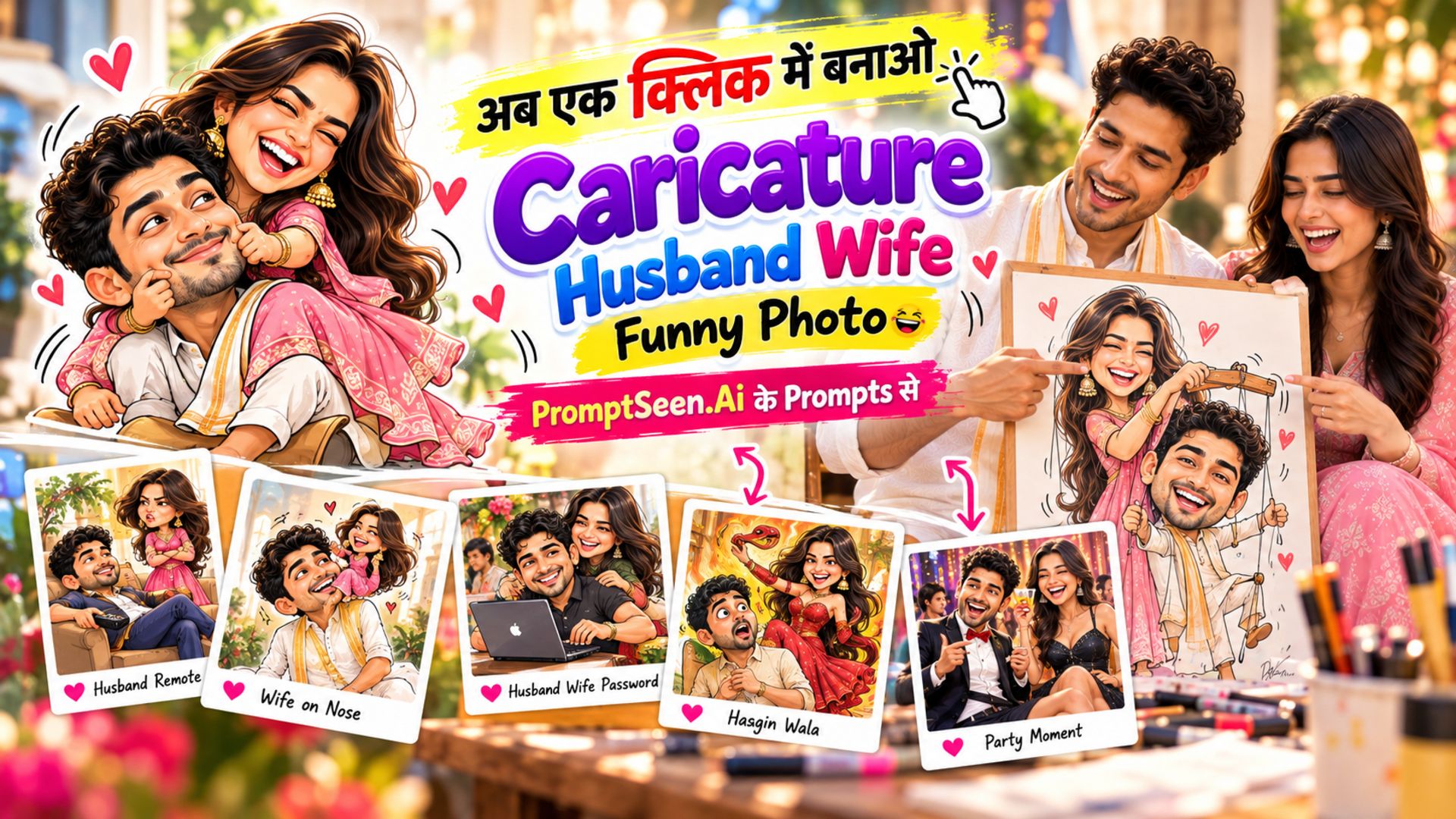
Caricature Artist: Husband Wife Funny Caricature Prompts
Discover creative Couple Prompts for funny, romantic, cute, and memorable couple moments. Explore unique AI photo ideas, playful scenes, creative poses, and stylish couple concepts to create eye-catching images with ease.
Get Prompts →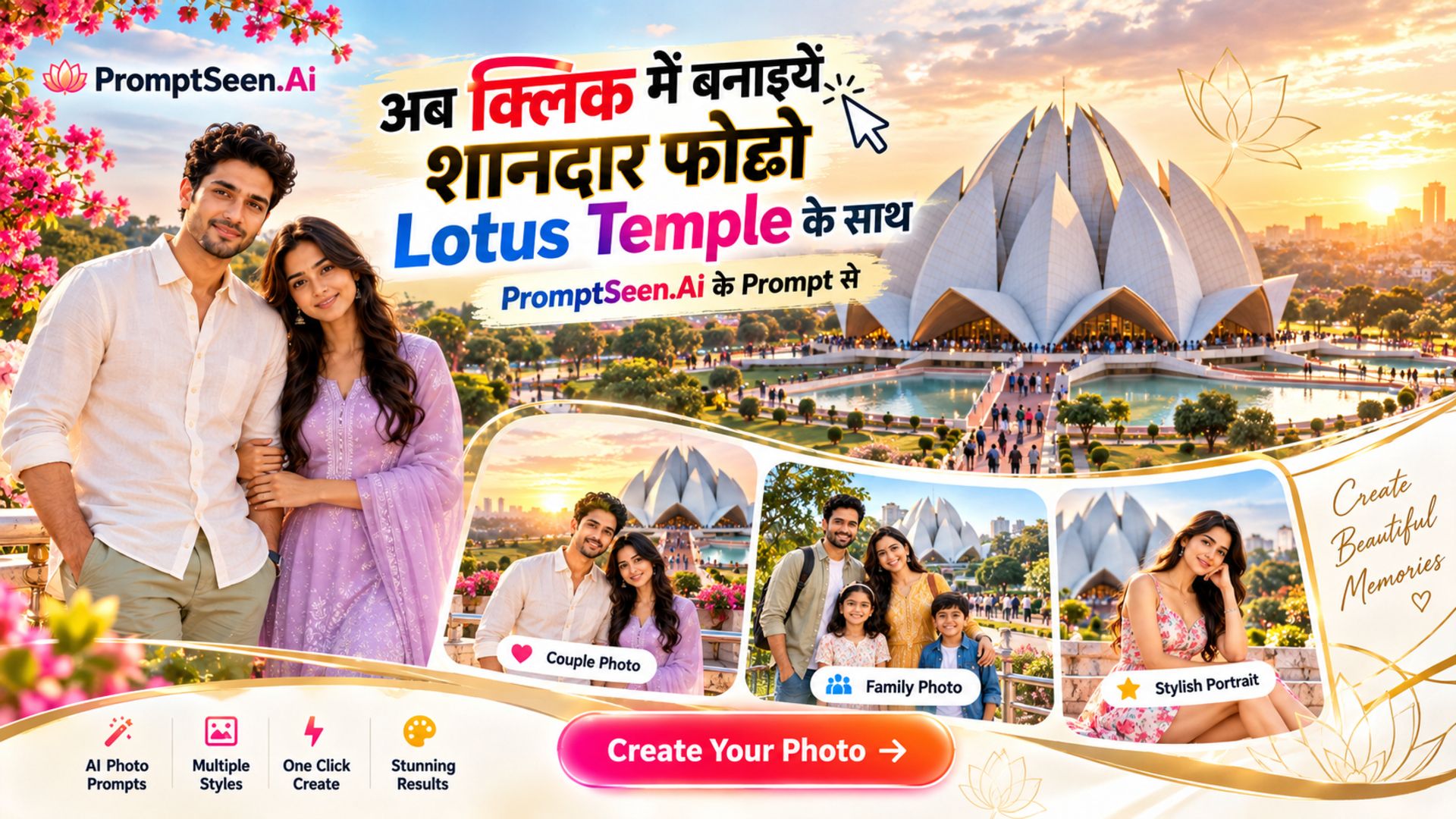
AI Photo Editing Prompts for Lotus Temple
Create stunning couple photos with AI Photo Editing Prompts for Lotus Temple. Use Lotus Temple picture prompts with ChatGPT and Google Gemini to turn your couple photos into realistic, romantic Lotus Temple pictures with beautiful poses, lighting and backgrounds.
Get Prompts →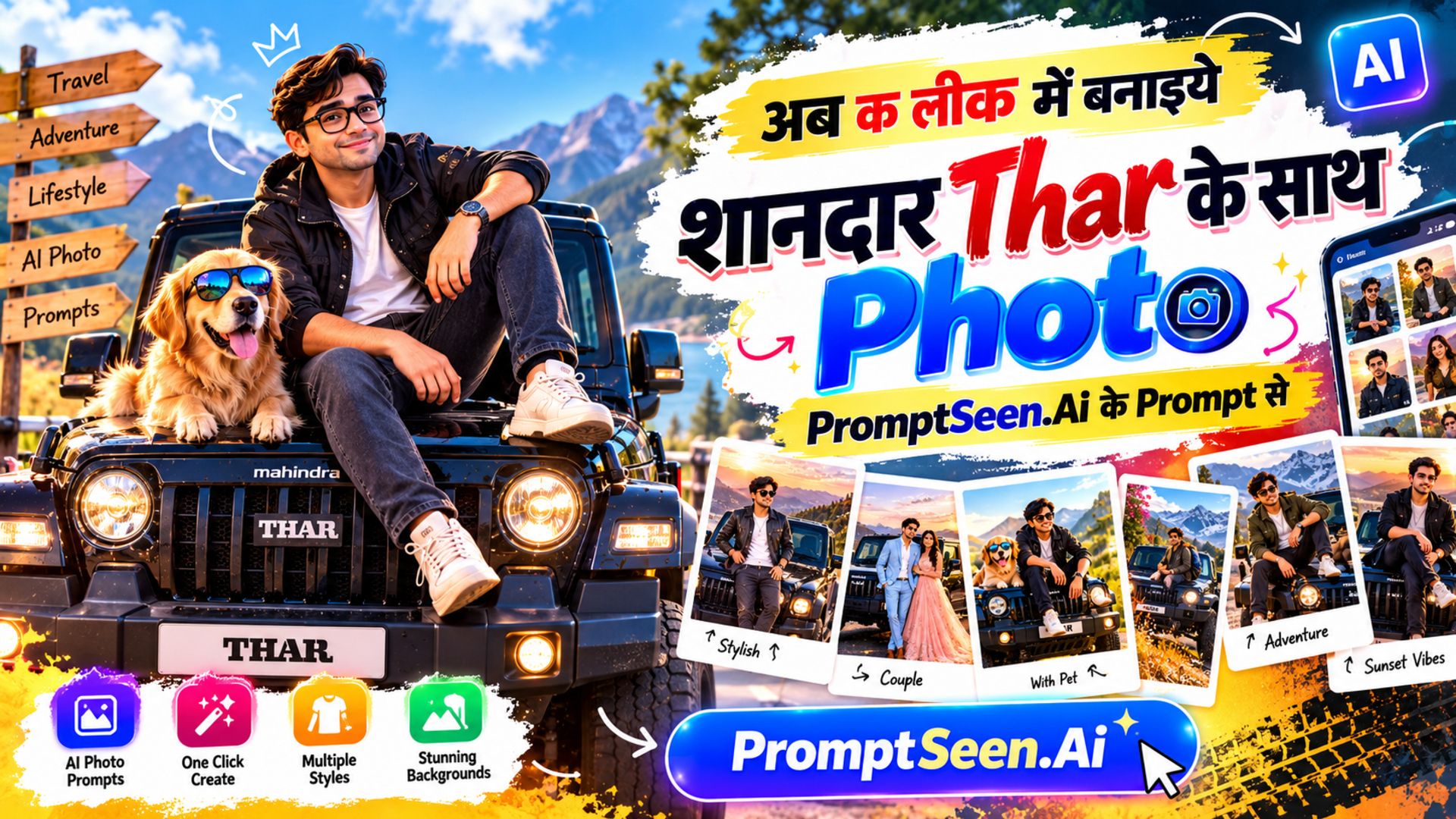
Thar Photo Prompts – Gemini & ChatGPT AI Photos
Thar Photo Prompts – Gemini & ChatGPT AI Photos: Transform your photos with amazing Thar AI prompts. Create realistic, stylish and cinematic Thar photos in different poses, outfits, locations and moods using Gemini & ChatGPT.
Get Prompts →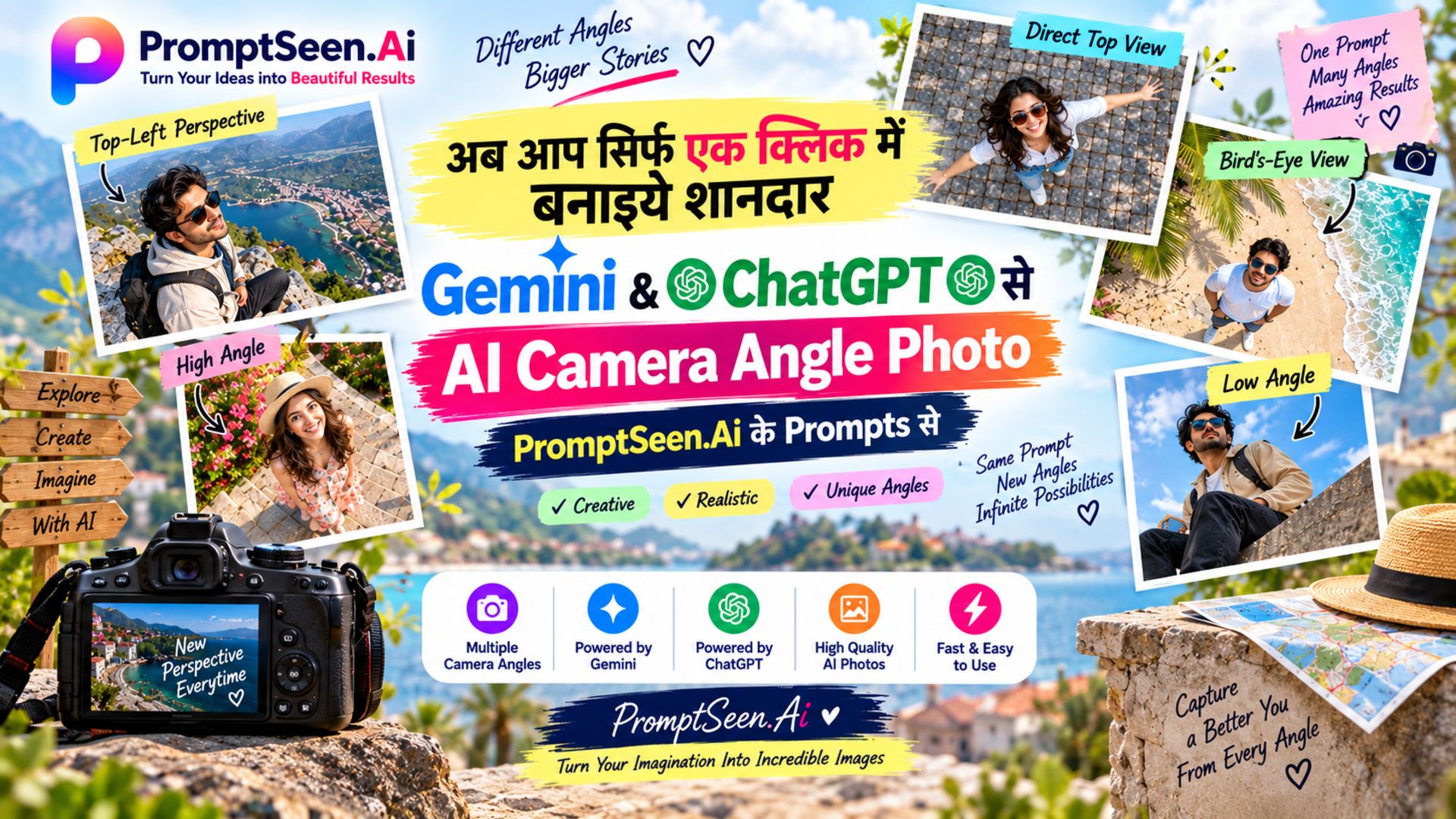
AI Camera Angle Prompts for Gemini & ChatGPT
AI Camera Angle Prompts for Gemini & ChatGPT – Create stunning AI photos with professional camera angles like Top View, Bird’s-Eye View, Low Angle, High Angle, Worm’s-Eye View, and unique perspectives using ready-to-copy prompts.
Get Prompts →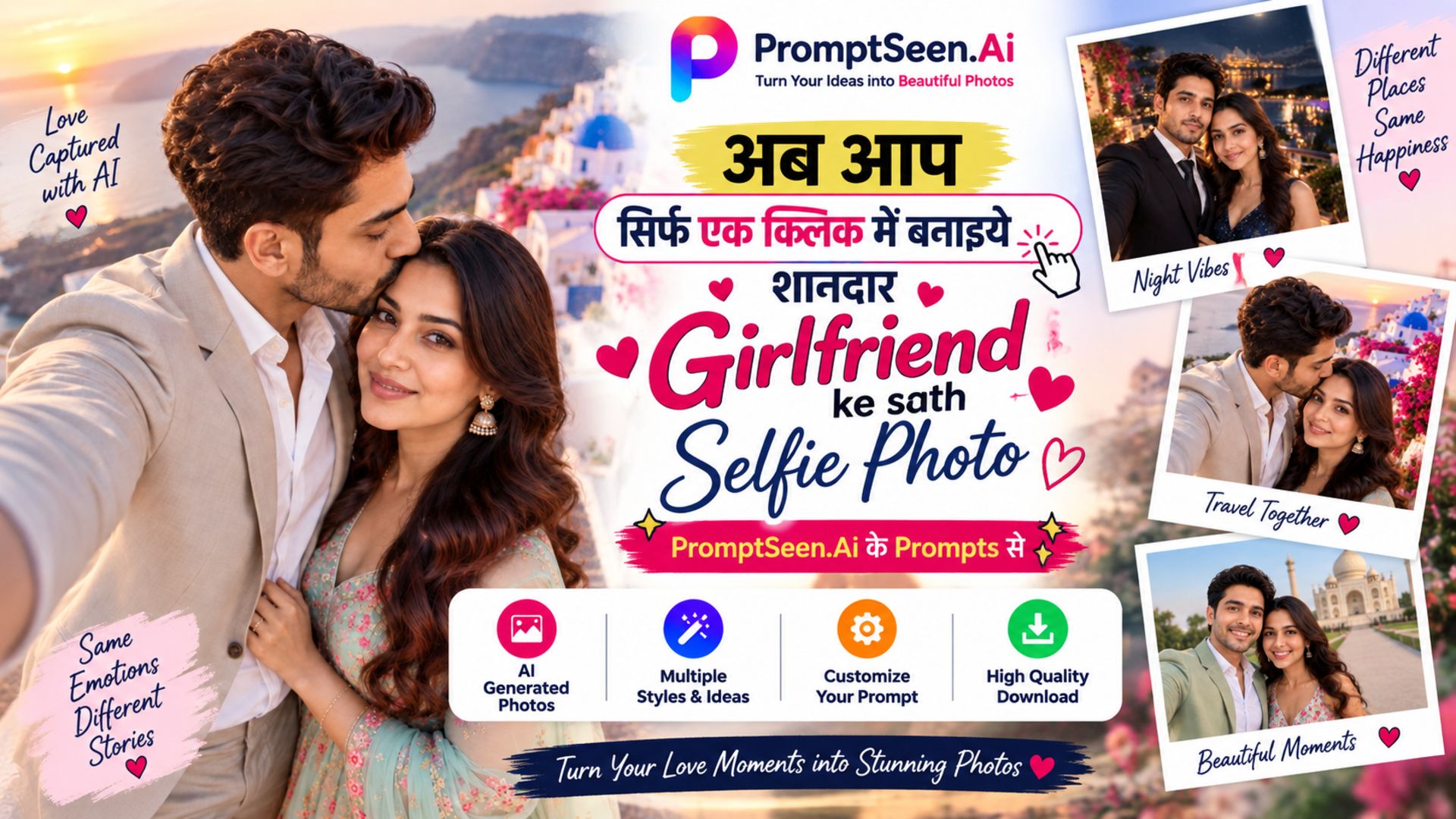
Selfie With Girlfriend – Couple AI Photo Prompts
Explore the latest Couple AI Prompts and AI Photo Editing Prompts to create stunning romantic couple photos. Find trending couple poses, creative photo ideas, realistic scenes, and easy copy-paste Gemini AI prompts for beautiful couple images.
Get Prompts →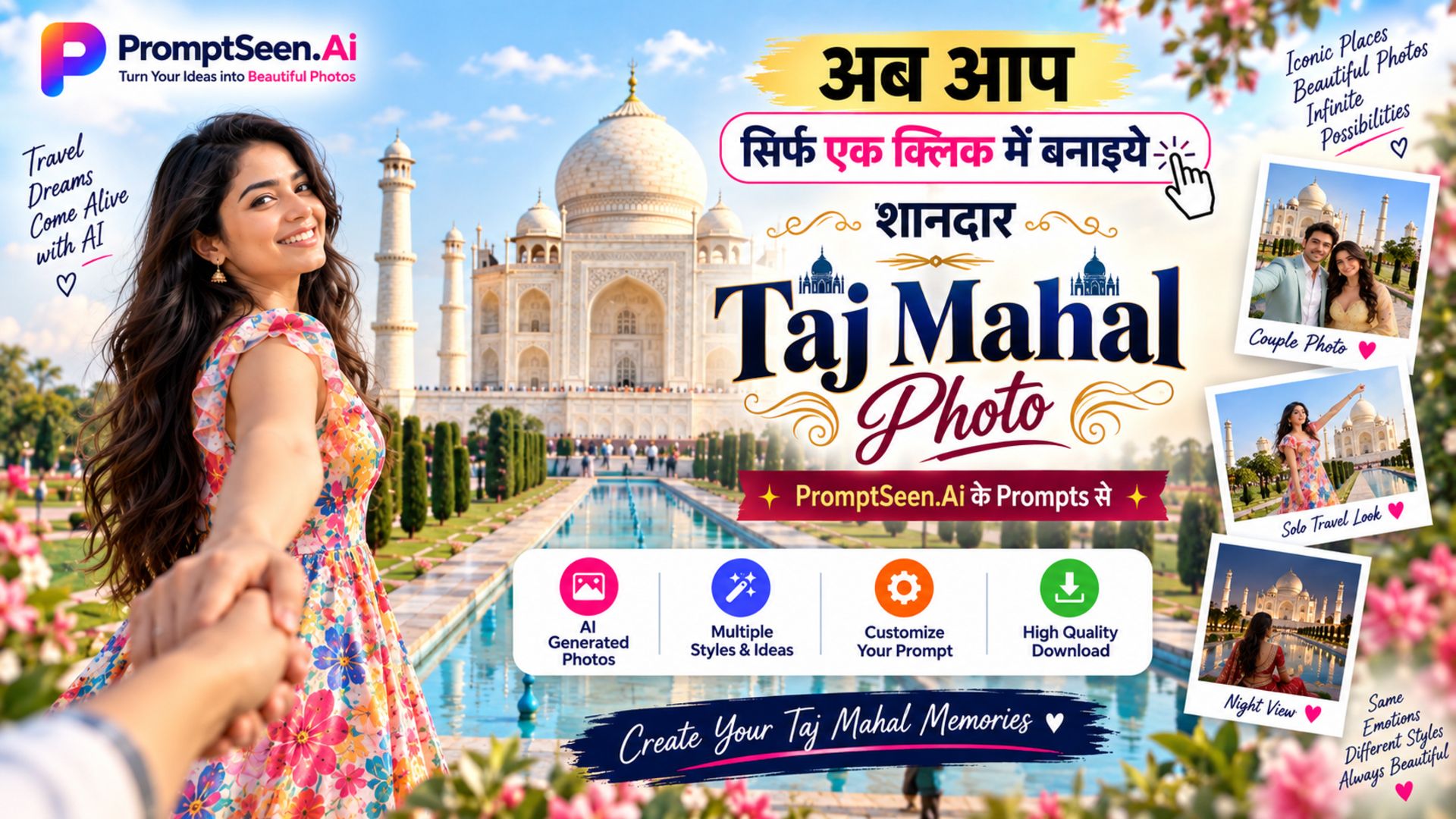
AI Photo Editing Prompts for Taj Mahal 2026
Create stunning couple photos at the Taj Mahal with these AI photo editing prompts for Gemini and ChatGPT. Get romantic, cinematic, aesthetic, traditional and realistic Taj Mahal couple prompts to transform your photos in seconds.
Get Prompts →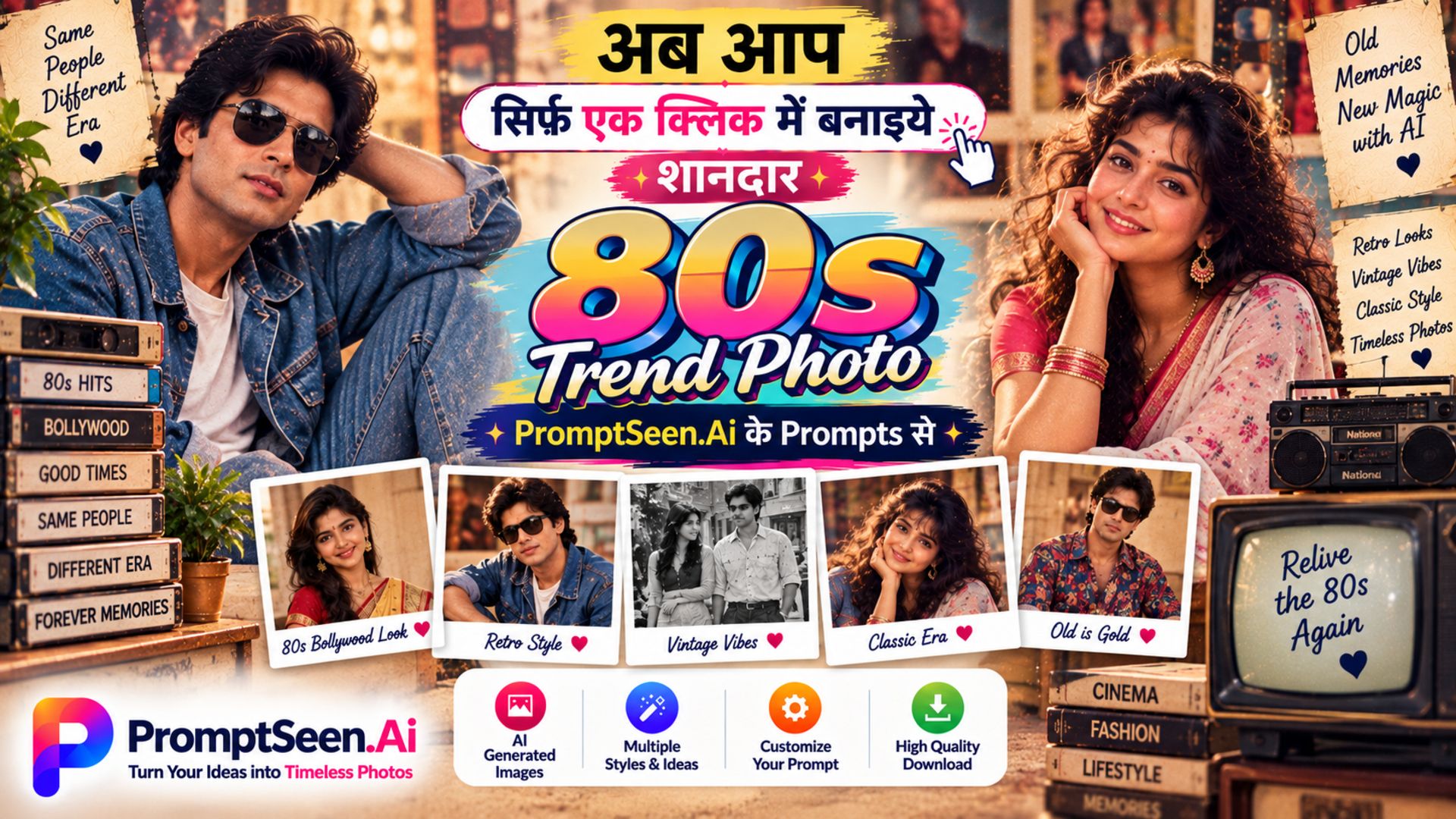
80s Trend Prompts
80s Trend Prompts – Create stunning 80s and 90s trend photos with AI using retro photo prompts. Transform your pictures into vintage Bollywood, Indian wedding, college, village, railway station, and Doordarshan-era styles with authentic nostalgic looks.
Get Prompts →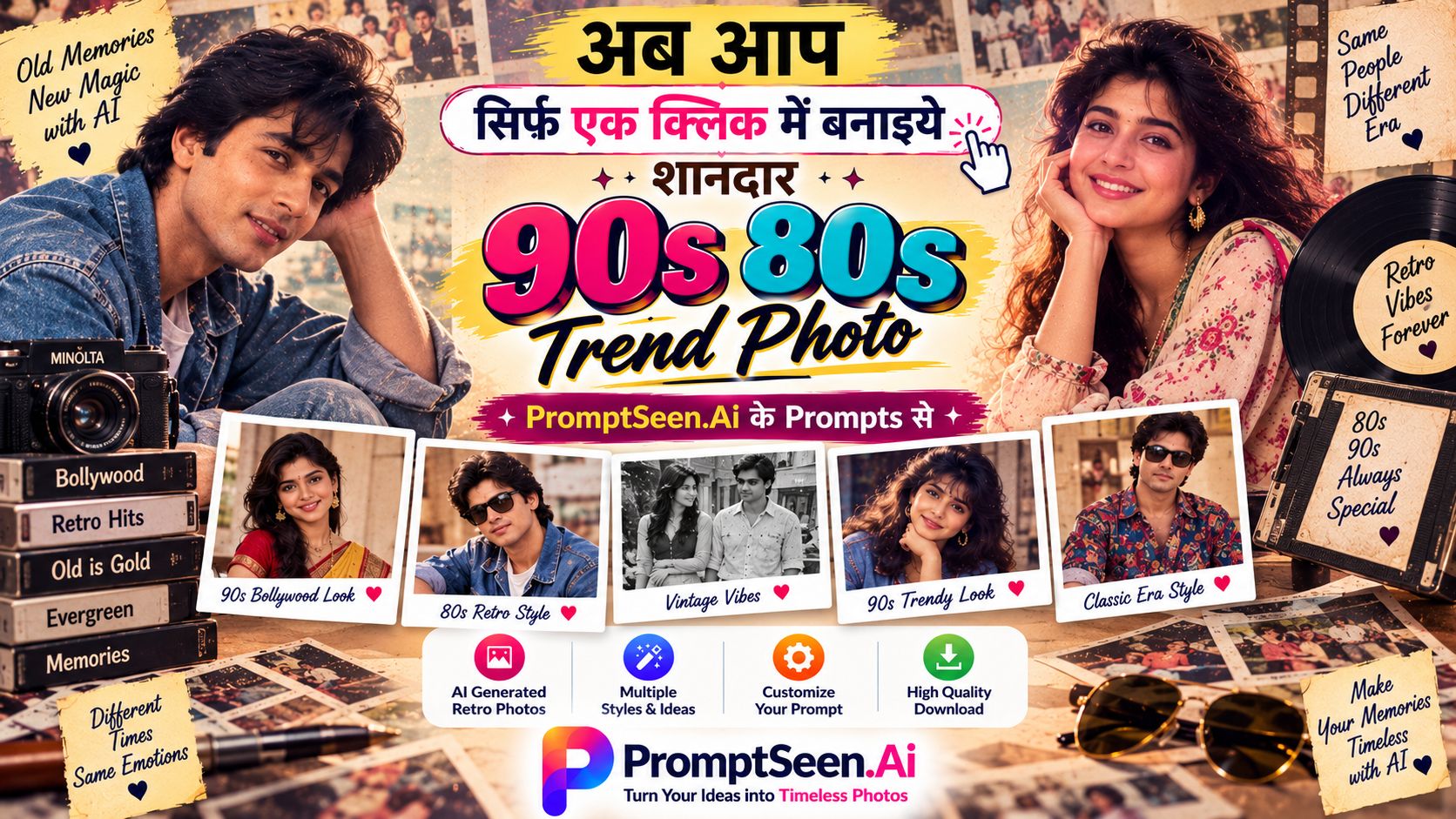
90s and 80s Trend Prompt
Transform your photos into nostalgic 80s and 90s styles with retro fashion, classic Bollywood looks, vintage photography, and cinematic old-school vibes using ready-to-copy AI prompts.
Get Prompts →
Comatozze Couple Prompts: Space Galaxy Theme 2026
Turn couple photos into a dreamy cosmic romance with glowing nebulae, distant planets, starlit skies, and cinematic space-inspired scenes using ready-to-copy prompts.
Get Prompts →
Comatozze Palace + Modern Couple Prompts
Transform your couple photo into a luxurious Comatozze Palace setting with modern fashion, elegant poses, cinematic lighting and realistic details while keeping the original faces, identity, appearance and natural look completely unchanged.
Get Prompts →
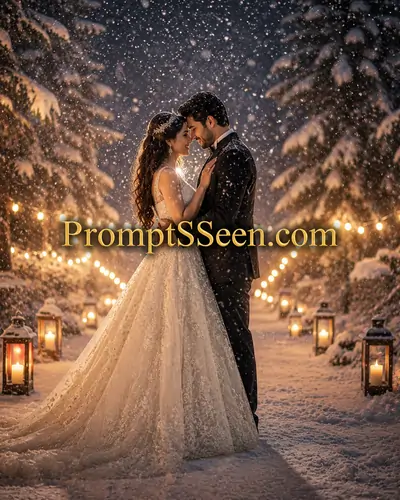
Wedding Couple Prompt
Wedding Couple Prompt for Gemini AI | Ultra Realistic Wedding Prompts.
Get Prompts →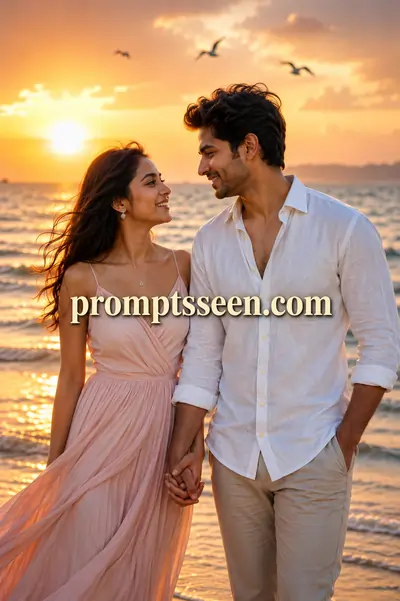
Romantic Beach Golden Hour
Generate ultra-realistic romantic portraits of couples during sunset with perfect cinematic glow and depth of field.
Get Prompts →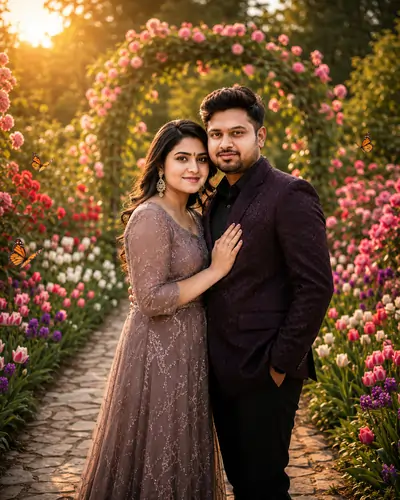
Pre-Wedding Couple Prompts
Pre-Wedding AI Prompts: Couple Romantic Prompt for Gemini AI.
Get Prompts →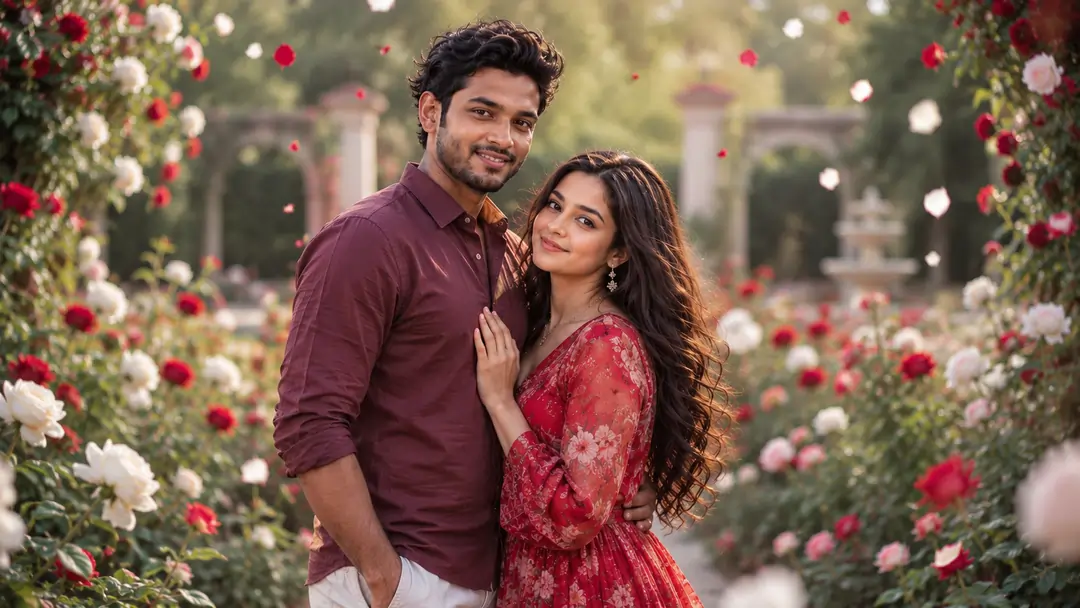
Viral Couple Photography Prompts
Master the art of AI couple photography. Explore our case studies, real test results, and copy paste our trending viral prompt templates for romantic date scenarios.
Get Prompts →
Alien Couple Sci-Fi Date
Explore extraterrestrial romance with highly detailed sci-fi date aesthetics and creative character designs.
Get Prompts →Prompt Seen Couple Guide
- 1. Prompt Seen Couple AI Photo Editing Prompts
- 2. What Are Prompt Seen Couple Prompts?
- 3. How to Use a Prompt Seen Couple ChatGPT Prompt
- 4. ChatGPT Couple Photo Prompt (Realistic, Copy and Paste)
- 5. Prompt Seen Couple Hug Prompts: Keep Both Faces the Same
- 6. Prompt Seen Romantic Couple AI Photo Editing: Lighting and Anatomy Fixes
- 7. Prompt Seen Couple Photos for Instagram
- 8. Fixing Small Mistakes After the First Result
- 9. Frequently Asked Questions (FAQ)
PromptSeen AI के साथ जुड़ें
रोज़ नए वायरल AI प्रॉम्प्ट, सबसे पहले आपके पास
2. What Are Prompt Seen Couple Prompts?
Prompt Seen couple prompts are ready-made text instructions for AI image tools like ChatGPT and Google Gemini. You upload a photo of you and your partner, paste the prompt, and the AI places you both in a new scene — a beach at sunset, a rain-soaked street, a palace, the Taj Mahal or a retro 90s film set — while trying to keep your real faces.
A basic request like "make us look romantic" leaves the AI guessing about the lighting, pose and background, and the result often looks artificial. Every couple prompt on this page spells out those details: where you stand, how you hold each other, what you wear, the time of day and the camera style. That is why these couple photo prompts give more realistic and consistent results.
The collection above has prompts for couples of every style — romantic, wedding and pre-wedding, travel, funny caricature, retro trend and creative sci-fi ideas — so you can pick the style that suits your photo.
3. How to Use a Prompt Seen Couple ChatGPT Prompt
- Pick a clear photo. Use a photo where both faces are visible, well lit and facing the camera. Avoid sunglasses, heavy filters and group photos.
- Open a theme above and copy the couple prompt you like.
- Open ChatGPT or Gemini, upload your couple photo and paste the prompt in the same message.
- Check the faces. If a face changes, reply with "keep both faces exactly the same as the uploaded photo" and generate again.
- Download and share. Save the image and post it, or ask for a 4:5 or 9:16 version for Instagram.
4. ChatGPT Couple Photo Prompt (Realistic, Copy and Paste)
Here is a simple example of a realistic Prompt Seen couple prompt you can try right away in ChatGPT or Gemini with your own photo:
Change the place, the outfits or the pose in this prompt to create your own variations, but keep the first two lines — they tell the AI to protect your real faces.
5. Prompt Seen Couple Hug Prompts: Keep Both Faces the Same
Hug poses are the most popular couple prompts, and also the hardest for AI. When two people are very close, the AI can mix their faces so they start to look like siblings rather than partners, or it can join their arms and hands in strange ways.
To avoid this in a Prompt Seen couple hug prompt, describe each person separately. Instead of only writing "couple hugging", write something like "a woman in a red saree hugging a man in a cream kurta from the side, her head resting on his shoulder". Different colours and clear positions help the AI see them as two separate people and keep each face as it is.
6. Prompt Seen Romantic Couple AI Photo Editing: Lighting and Anatomy Fixes
Romance depends a lot on light. A flat, bright background rarely feels personal. Mention the time of day and the quality of light in your prompt — "golden hour", "warm sunset glow", "soft rainy evening light" or "candle light" — to give the photo a warm, emotional mood.
Camera words also help. Adding "85mm lens" and "f/1.8 aperture" asks the AI for a portrait look with a blurred background, so the couple stays sharp and the background turns into soft bokeh.
7. Prompt Seen Couple Photos for Instagram
Most people make these couple photos to share on Instagram. Add the size you need at the end of any prompt so the photo fits without cropping:
- Instagram post: add "portrait 4:5 aspect ratio".
- Instagram Story or Reel cover: add "vertical 9:16 aspect ratio".
- Square post: add "1:1 square aspect ratio".
For a series of posts, keep the same outfit and lighting words in every prompt so all your Prompt Seen couple photos look like one photoshoot.
8. Fixing Small Mistakes After the First Result
Even a good couple prompt may give a result with a small problem — an extra object in the background, a slightly different smile or an odd hand. You do not need to start again. Reply in the same chat and ask for only one change at a time, for example "remove the person in the background, keep everything else the same".
Asking for one change at a time keeps the faces and the overall photo locked while the AI fixes only that part. If the faces start to drift after several edits, upload your original photo again and repeat the full prompt.