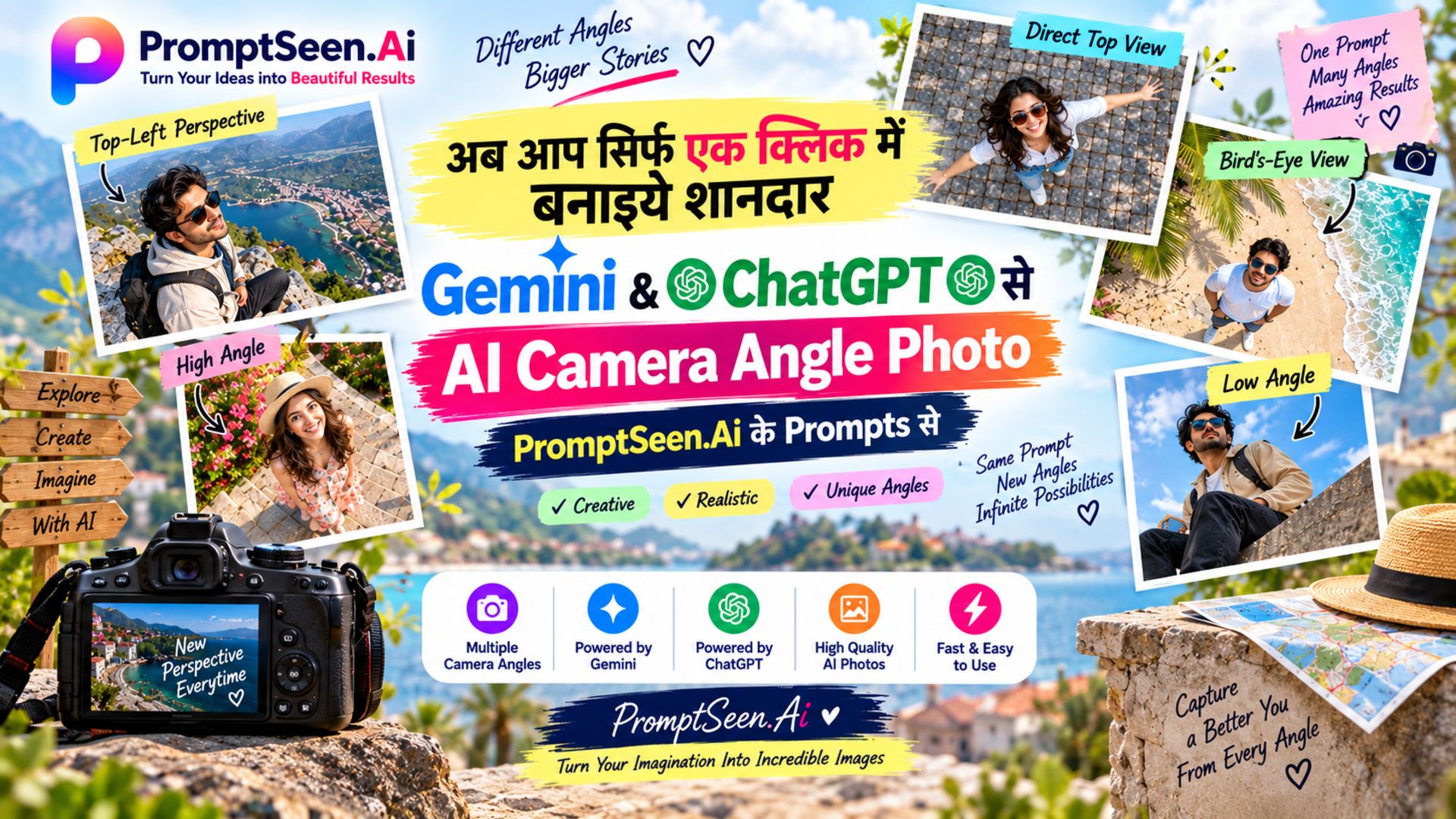
1. AI Camera Angle Prompts for Gemini & ChatGPT
When you upload a reference photo to AI, it usually tries to replicate the exact angle of the original picture. By adding a specific camera angle prompt to your text, you force the AI to reposition its "virtual camera." This is crucial for creating cinematic portrait photography or epic wide-angle landscapes while preserving your subject's identity.
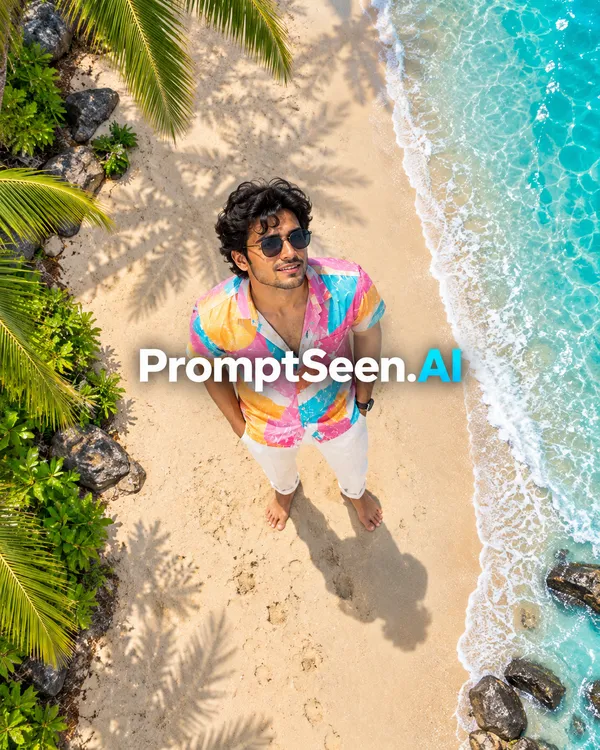
2. Direct Top View
Perfect for flat-lays or dramatic overhead isolation. This prompt acts like a drone looking straight down at the subject.
PromptSeen AI के साथ जुड़ें
रोज़ नए वायरल AI प्रॉम्प्ट, सबसे पहले आपके पास
One of the biggest challenges in AI photography is controlling the exact viewpoint. By using precise ai camera angle prompts, you can transform a standard flat image into a dynamic, cinematic masterpiece. Whether you are using Gemini or ChatGPT, providing the AI with specific perspective codes completely changes the narrative of your photo.
At Prompt Seen, we've compiled the ultimate list of camera perspective prompts. From dramatic worm's-eye views to sweeping bird's-eye drone shots, these copy-paste codes ensure your AI-generated images look professionally composed with accurate depth and lighting.
3. Bird's-Eye View
Unlike the direct top view, a bird's-eye perspective is shot from high up but at a slight angle, giving you context of the background environment.
4. Worm's-Eye View
Make your subject look powerful and larger than life. This extreme low-angle code places the camera practically on the floor looking up.
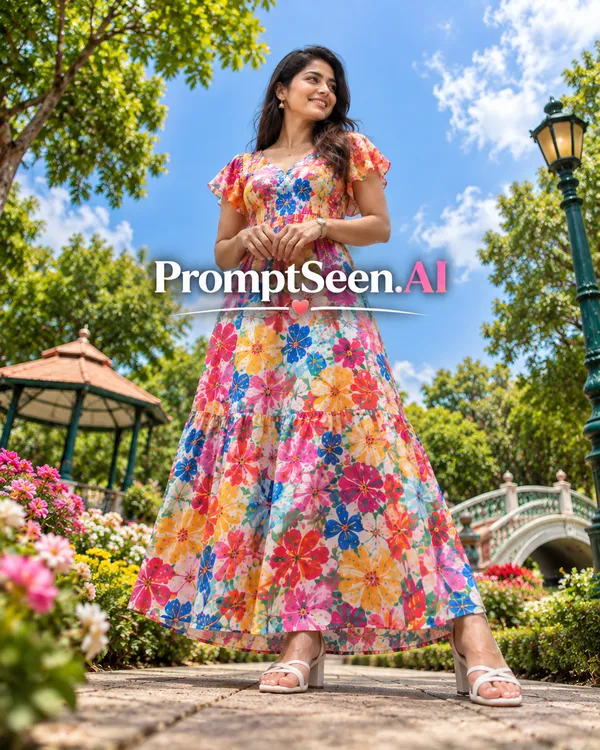
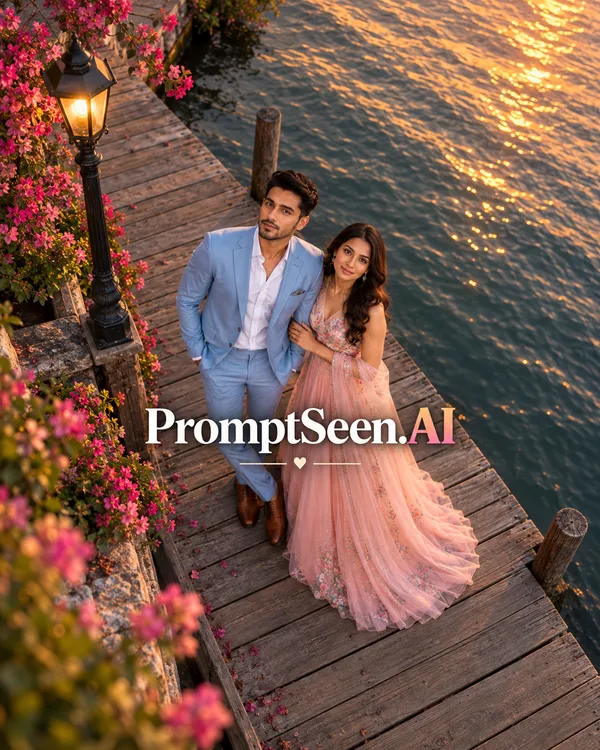
5. High Angle
A classic cinematic technique used to make subjects appear smaller or to show off a sprawling landscape behind them.
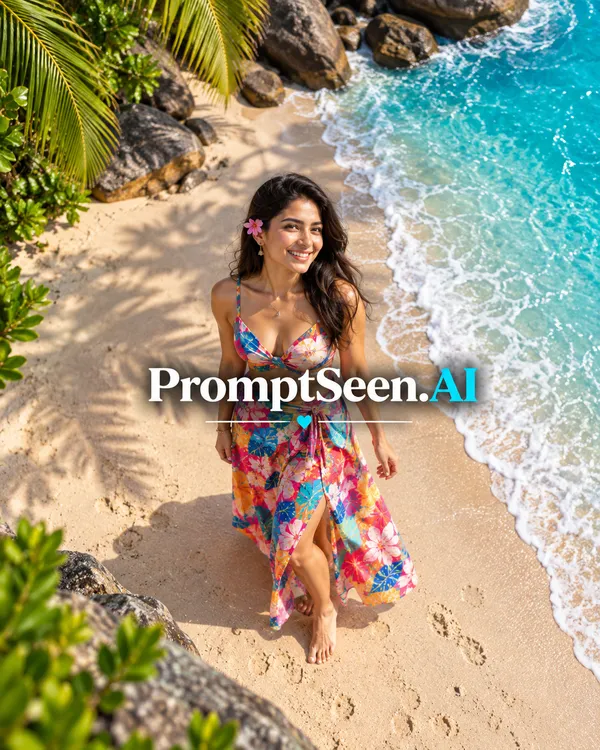
6. Low Angle
Slightly less extreme than a worm's-eye view, the low angle prompt is excellent for fashion photography or making a portrait feel heroic.
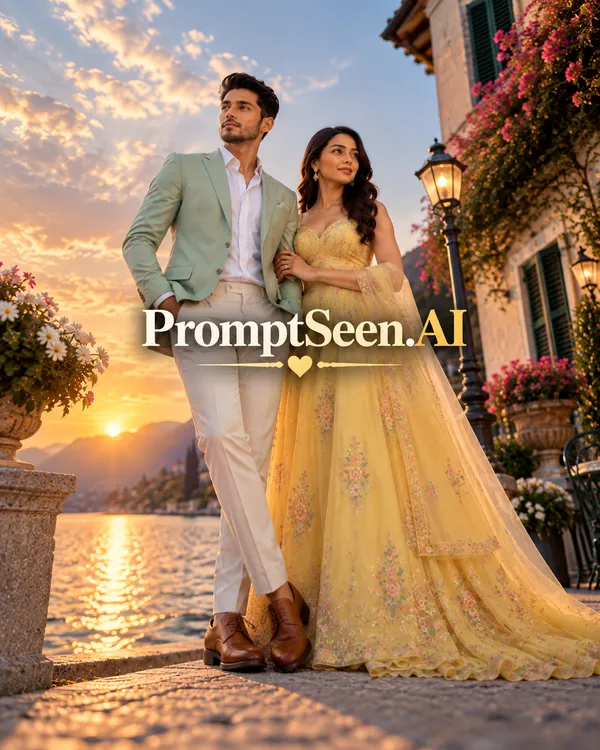
7. Top-Left Perspective
Add a dynamic, artistic flair to your images. By placing the virtual camera high up and slightly to the left, this camera perspective prompt gives depth to the environment and makes the composition feel more candid and editorial.
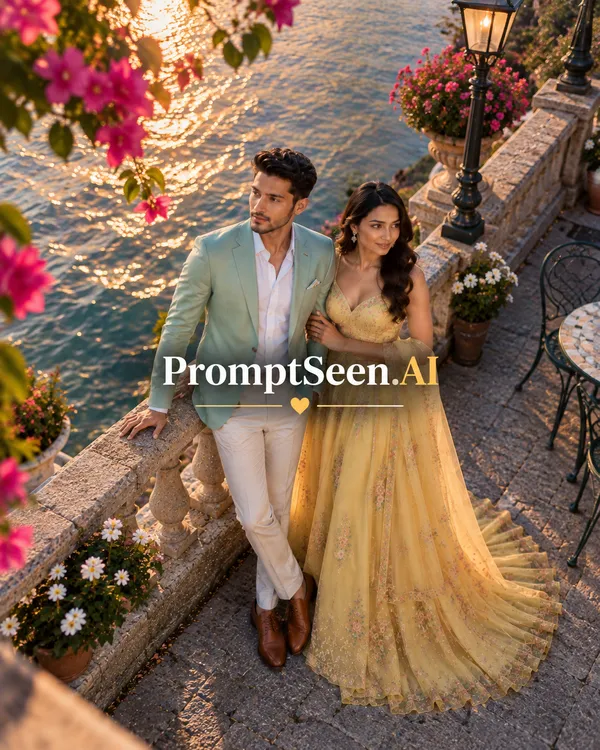
8. Bottom-Left Perspective
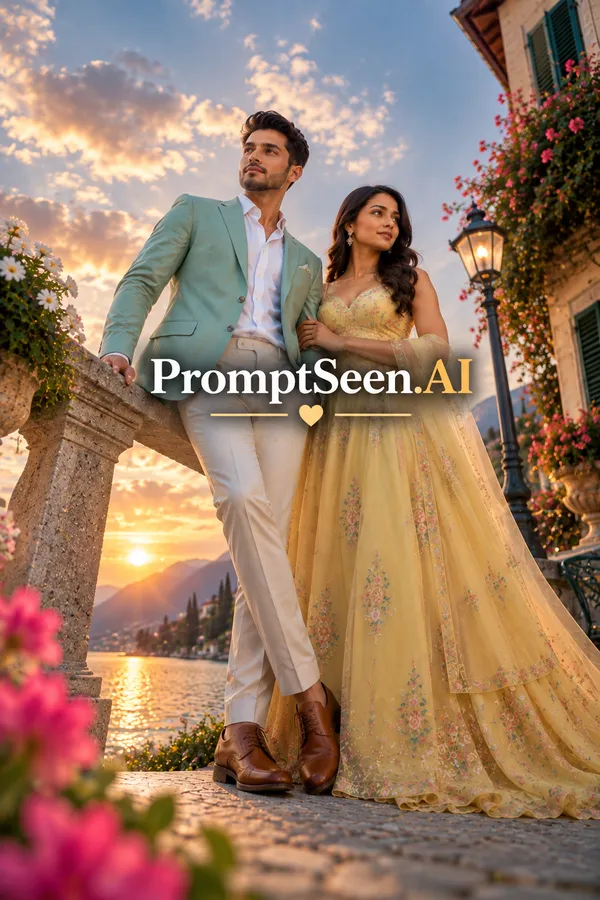
Make your subject look heroic and dominant while keeping the environment grounded. This low-slung, diagonal angle creates a sense of scale and power, perfect for fashion or action-oriented portraits.
9. How to Use Camera Angle Codes in Gemini
Using these camera angle codes for gemini is incredibly simple. Google's Gemini Advanced model has an excellent grasp of spatial awareness. To get the best results:
- Upload Reference: Attach the photo of yourself or your subject directly in the Gemini prompt box.
- Paste the Code: Copy your desired perspective prompt from above (e.g., Bird's-Eye View) and paste it into the text area.
- Generate: Hit enter. Gemini will analyze the facial features and environment, redraw the scene from the new angle, and maintain a photorealistic output.
10. How to Use Camera Angle Prompts in ChatGPT
When working with DALL-E 3 inside ChatGPT Plus, you have to be very strict about identity preservation. ChatGPT tends to stylize images, so using our exact camera angle prompts for chatgpt ensures your face isn't morphed.
Just like with Gemini, upload your image, paste our perspective prompt, and let DALL-E re-render the scene. If the angle isn't sharp enough, you can add words like "extreme angle" or "heavy distortion" to push the AI further.
11. Camera Angle vs Camera Perspective
While often used interchangeably, there is a technical difference. A camera angle refers to the physical height and tilt of the camera (High, Low, Eye-level). A camera perspective often includes the focal length and spatial relationship (Wide-angle, Telephoto compression, Top-Left diagonal).
Our ai perspective prompts combine both of these elements. They tell the AI exactly where the camera is placed in 3D space AND how the lens should distort or flatten the subject for a truly cinematic look.