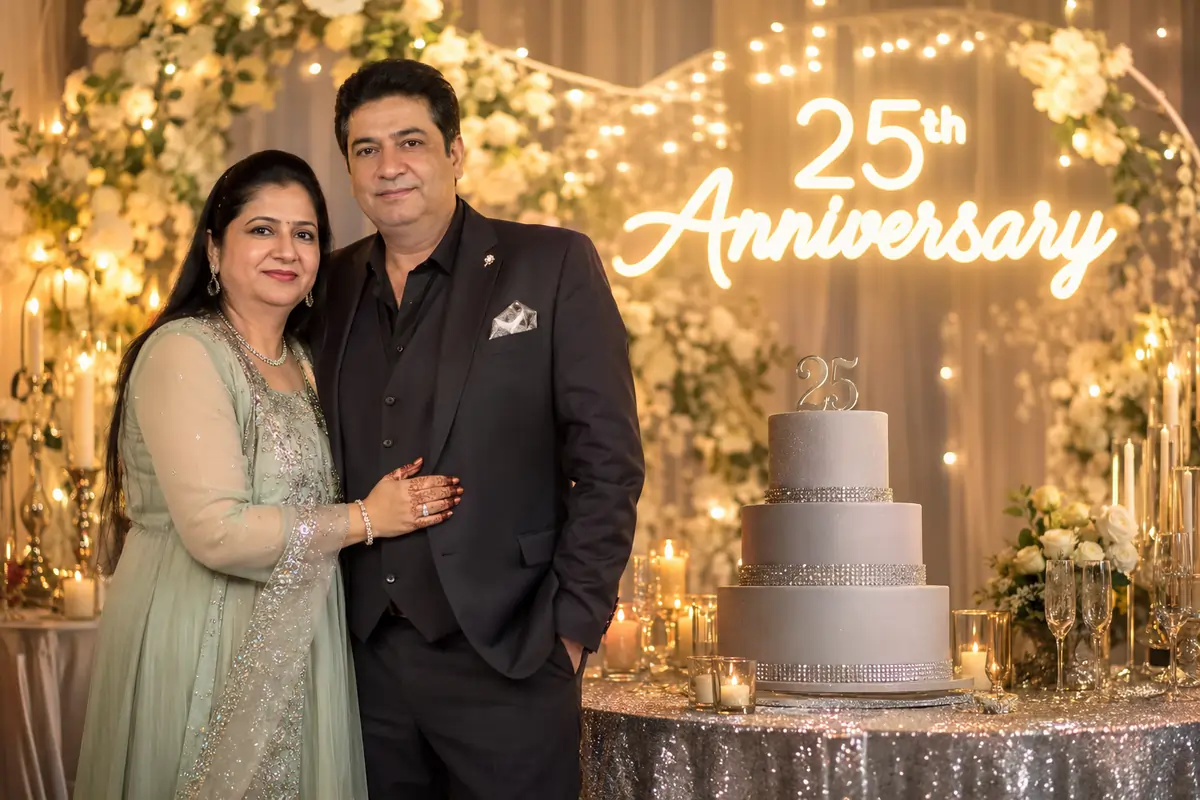
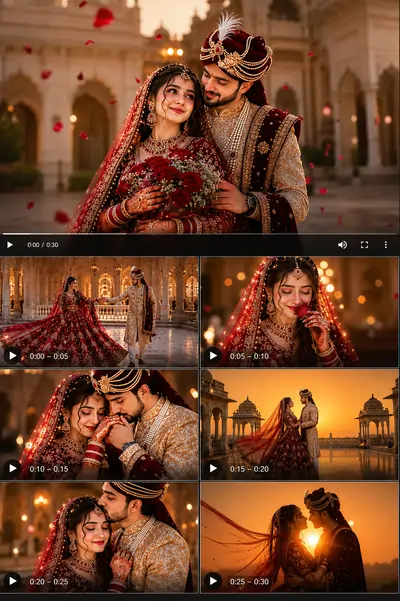
Pre-Wedding Prompt Library (10 Styles)
Below is our exclusive collection of 10 meticulously engineered pre-wedding prompt templates. Simply upload your couple's reference photo to your preferred image-to-image (I2I) AI generator and copy the corresponding text below.
1. Royal Palace Pre Wedding
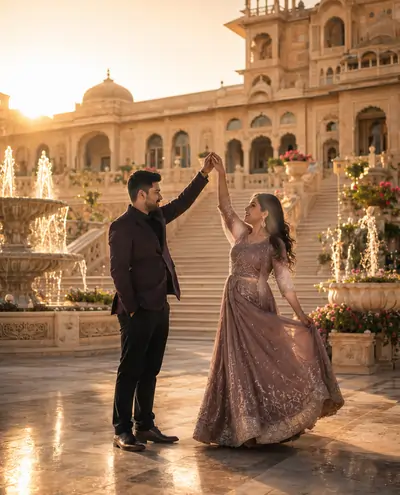
Create a luxurious pre-wedding photoshoot using the uploaded couple photo. Keep both faces 100% identical to the original image. Preserve the exact same outfits, hairstyle, jewelry, body shape, and facial expressions. Place the couple in front of a magnificent royal palace with grand marble stairs, elegant fountains, golden architecture, blooming gardens, and warm golden-hour sunlight. Cinematic wedding photography, ultra-realistic, DSLR quality, soft natural lighting, shallow depth of field, 8K. No extra people, no outfit change, no face modification, no watermark.
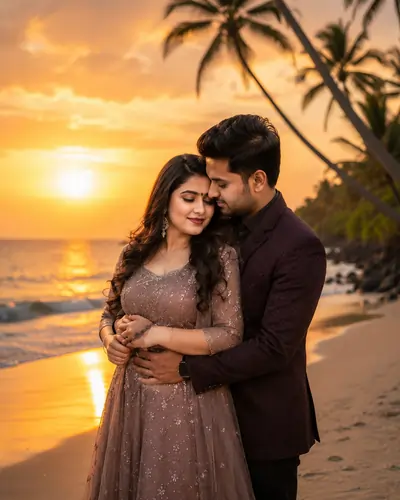
2. Beach Sunset Pre Wedding
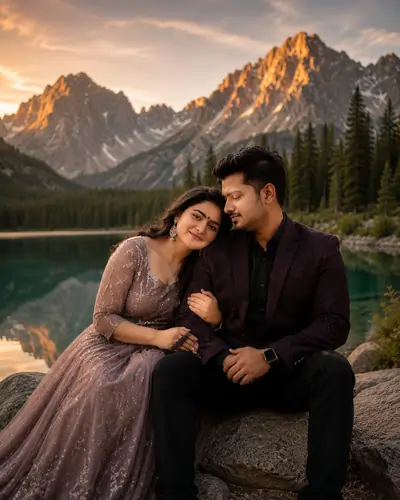
3. Mountain Lake Pre Wedding
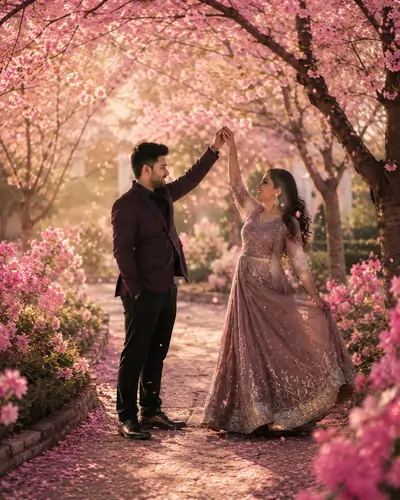
4. Cherry Blossom Garden
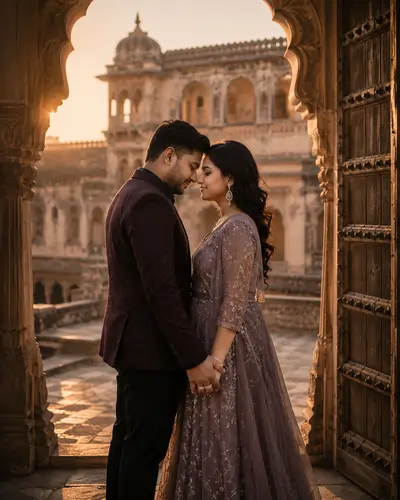
5. Heritage Fort
6. Flower Garden
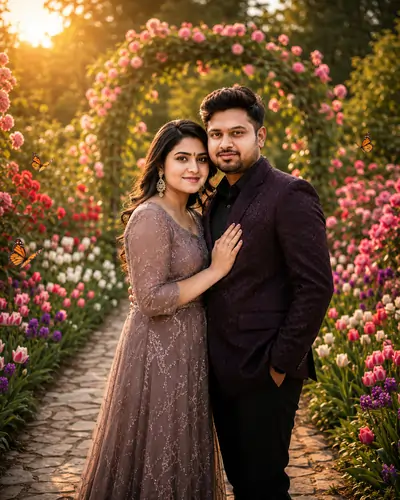
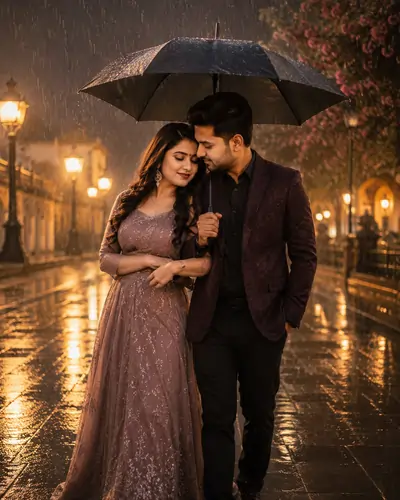
7. Rain Romance
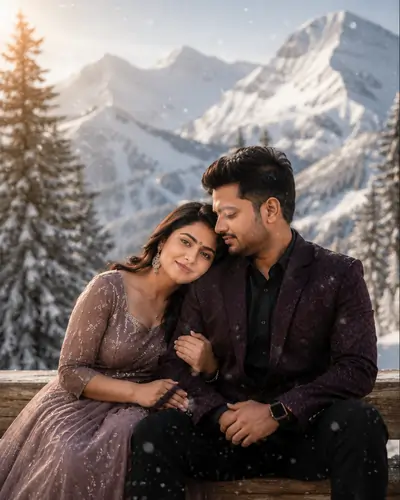
8. Snow Mountain Romance
9. Sunflower Field

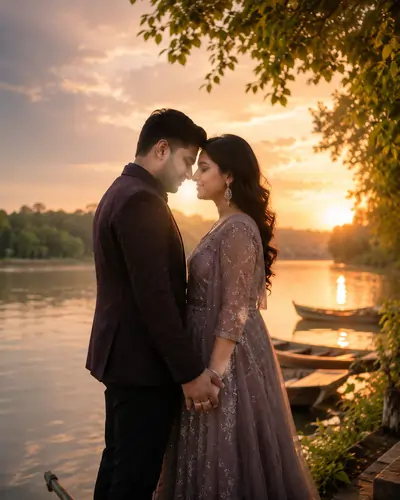
10. Riverside Sunset
Master Guide Overview: Couple Romantic Prompt for Gemini AI
1. The Magic of AI in Pre-Wedding Concepts
The concept of pre-wedding photography has evolved tremendously over the last decade. What used to be a simple, traditional studio session has transformed into grand, cinematic productions. Modern couples often spend significant amounts of money traveling to exotic, picturesque locations—ranging from the royal heritage palaces of Rajasthan to the pristine, peaceful beaches of international destinations. However, logistical constraints, unpredictable weather, and massive production budgets can severely limit creative expression.
With the advent of advanced generative artificial intelligence, the boundaries of location and budget have been completely erased. As a digital creator or a couple planning a wedding, you now have the power to teleport yourselves to a breathtaking cherry blossom garden in Japan or a majestic snow-covered mountain peak, all from a single reference photograph. Pre-wedding AI prompts have revolutionized the digital media landscape, allowing for unlimited creative conceptualization before a single real-world shutter clicks.
However, generating a truly professional, luxury-grade AI pre-wedding photoshoot requires much more than typing a basic request into a prompt engine. Generative models like Google Gemini and ChatGPT process instructions mathematically. If you do not structure your text correctly, the resulting images will look artificial, cartoonish, or completely unrecognizable. To achieve masterpiece-quality outputs, your prompt must be engineered to control identity, lighting, and environmental aesthetics precisely.
2. Mastering the Identity Lock
The single greatest challenge in creating a couple AI photo generator workflow is "identity drift." Generative models are trained on billions of images, and they possess an inherent algorithmic bias toward generating mathematically symmetrical, "idealized" faces. When you upload a reference photo of a couple, the AI's instinct is to "beautify" or subtly alter their facial geometry to match its training data.
To ensure that the digital output remains a true representation of the couple, professional prompt engineers utilize a technique known as the "Identity Lock." This involves aggressive, redundant linguistic commands within the prompt structure. Instead of simply asking the AI to "use this photo," you must explicitly command the engine to "preserve the exact same faces, keep both faces 100% identical, and avoid any face modification."
Furthermore, this lockdown must extend to the couple's attire and body language. AI engines often hallucinate new clothing or awkward poses to fit the background. By including strict boundaries such as "preserve the exact same outfits, hairstyle, and jewelry," you force the algorithm to isolate the subjects and manipulate only the environment around them. This technique is critical for maintaining the authenticity of the pre-wedding shoot.
3. The Importance of Environmental Aesthetics
A pre-wedding portrait is only as good as the atmosphere it captures. The background sets the emotional tone of the image. When crafting your prompt, you must be highly descriptive about the surrounding environment. Vague terms like "beautiful background" leave too much to the AI's imagination, often resulting in cluttered or chaotic scenery.
Instead, paint a vivid picture with your words. If you want a royal palace setting, describe the "grand marble stairs, elegant fountains, and golden architecture." If you are aiming for a romantic nature shoot, specify "crystal-clear mountain lakes surrounded by majestic peaks and pine forests." By providing the AI with distinct, tangible elements, you ensure that the background complements the couple rather than overpowering them.
Pro Tip: Controlling the Crowd
One of the most frustrating aspects of generative AI is its tendency to populate beautiful backgrounds with random, unwanted background characters. Always include negative constraints like "no extra people" or "no crowd" in your prompt to ensure the focus remains entirely on the couple's intimate moment.
4. Lighting, Optics, and Camera Physics
To elevate an AI-generated image from a digital painting to a photorealistic masterpiece, you must speak the language of a professional photographer. Generative models respond exceptionally well to specific optical terminology. When you command the AI to use an "85mm lens" and "f/1.8 aperture," you are not just throwing in technical jargon; you are mathematically forcing the engine to calculate a shallow depth of field. This creates a beautiful, creamy background blur (bokeh) that isolates the couple perfectly.
Lighting is equally crucial. Romance thrives in soft, warm light. Instructing the AI to apply "cinematic lighting," "golden-hour sunlight," or "soft natural lighting" prevents the harsh, artificial contrast that plagues amateur AI art. Adding keywords like "HDR" and "8K resolution" further ensures that the final image possesses the dynamic range and crispness expected from luxury wedding photography.
5. Post-Processing and Clean Media
Professional digital media requires a pristine, unblemished presentation. Generative AI tools occasionally hallucinate random signatures, fake studio logos, or distinct AI-generated watermark icons in the corners of images. These artifacts instantly degrade the commercial quality of the design and ruin the illusion of a genuine photograph.
To combat this, it is essential to build negative constraints directly into your prompts. By explicitly demanding "no watermark" and requesting "clean digital media," you establish a firm boundary. This ensures that the final exported image is flawless, ready to be printed for a wedding invitation, displayed on a high-resolution screen, or shared seamlessly across social media platforms without any distracting algorithmic branding.
PromptSeen AI के साथ जुड़ें
रोज़ नए वायरल AI प्रॉम्प्ट, सबसे पहले आपके पास
7. Frequently Asked Questions
How do I maintain my exact face in an AI pre-wedding photo?
To maintain your exact face, you must use an image-to-image (I2I) workflow and provide a clear, high-resolution front-facing reference photo. Additionally, use strong text constraints in your prompt such as 'Preserve 100% of the original facial identity' to prevent algorithmic drift.
Which AI generator is best for pre-wedding couple prompts?
Midjourney v6 is currently the industry leader for cinematic lighting and photorealistic skin textures. However, Google Gemini Advanced and ChatGPT (DALL-E 3) also perform exceptionally well for strict prompt adherence and complex environmental backgrounds.
How can I ensure my digital media is free from AI watermarks?
To maintain professional design quality, always include commands like 'clean digital media, no watermark' in your negative prompt. This prevents the generative engine from hallucinating artificial icons or text signatures in the corners of your image.
Why does the AI change our outfits even when instructed not to?
AI models often attempt to 'harmonize' clothing with the requested background. To combat this, reiterate the clothing requirement explicitly multiple times, e.g., 'keep original clothing unchanged, do not modify the outfit, exactly the same clothes'.
What camera settings should I include for a cinematic look?
For a premium, luxury aesthetic, include technical photography terms such as '85mm lens, f/1.8 aperture, shallow depth of field, HDR, and 8K resolution'. This forces the AI to create a beautiful background blur (bokeh) while keeping the couple in sharp focus.
Can I use these prompts for solo bridal portraits instead of couples?
Yes, absolutely. You can easily modify these structural templates by changing 'couple' to 'bride' and removing the references to a second person. The lighting, environmental, and camera instructions will still work perfectly.