1. Jailer 2 Movie Prompts FDFS Theatre Celebration
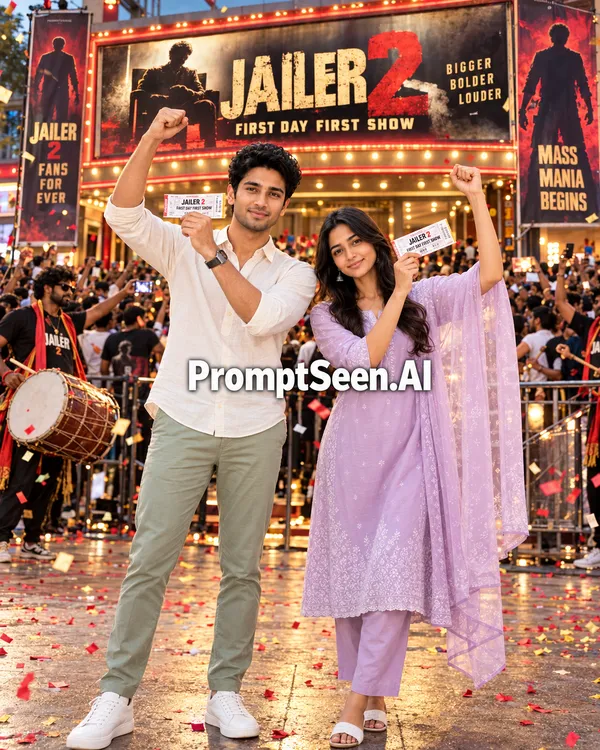
Create an ultra-realistic cinematic photograph using the uploaded photo as the reference. Keep the exact face, skin tone, hairstyle and clothing of the person or people in the photo (works for a single person or a couple). Do not beautify, reshape or change their identity. Scene: outside a packed Indian single-screen theatre on the first day first show of JAILER 2. Huge crowd of excited fans behind, colourful confetti in the air, a dhol player on one side, glowing theatre marquee and a large fan-made JAILER 2 banner with dark smoky tones and red-gold lighting. No real actor's face on any poster. Pose: the person stands in front, smiling big, holding a movie ticket up near the face, other hand raised in celebration. If it is a couple, they stand side by side, one holding the tickets, the other cheering. Lighting and camera: warm evening light mixed with red and golden theatre lights, 50mm lens look, sharp face details, natural skin texture, realistic shadows, slight motion in the confetti. Realism: correct hands and fingers, natural body proportions, feet firmly on the ground, all text spelled correctly. No cartoon effect. Aspect Ratio: 4:5
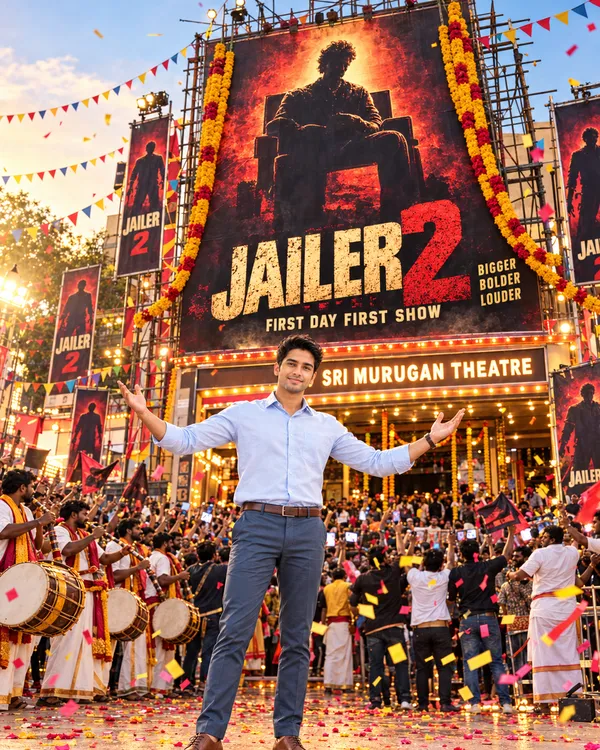
2. Jailer 2 Poster Cutout
3. Jailer 2 Movie Thalaiva FDFS Celebration
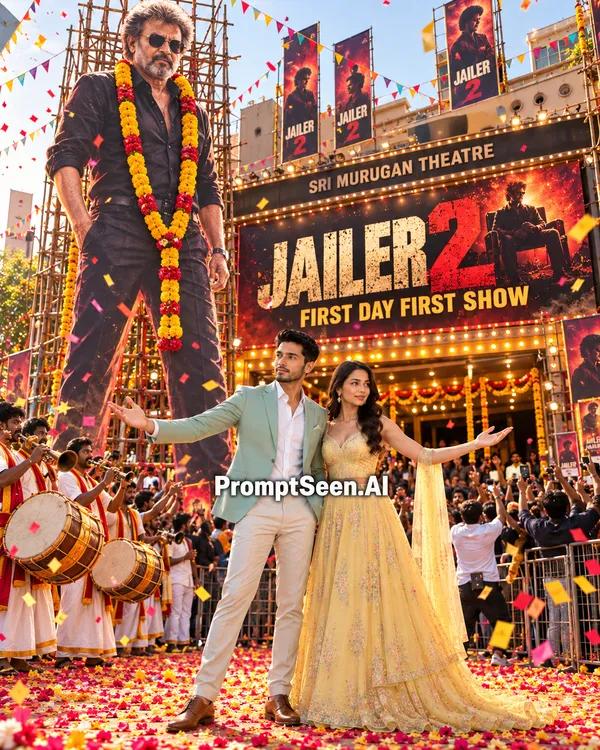
Table of Contents
- 1. Jailer 2 Movie Prompts FDFS Theatre Celebration
- 2. Jailer 2 Poster Cutout
- 3. Jailer 2 Movie Thalaiva FDFS Celebration
- 4. Jailer 2 Movie AI Photo Editing Prompts
- 5. How to Use Jailer 2 Movie AI Photo Editing Prompts
- 6. Tips for Creating Realistic Jailer 2 AI Photos
- 7. FAQ – Jailer 2 Movie AI Photo Editing Prompts
4. Jailer 2 Movie AI Photo Editing Prompts
The hype for Rajinikanth's highly anticipated sequel is already breaking the internet. While fans eagerly await the return of Tiger Muthuvel Pandian directed by Nelson Dilipkumar, the digital celebration has already begun. You don't have to wait for the actual release to experience the First Day First Show (FDFS) magic. With these Jailer 2 Movie Prompts, you can place yourself right in the middle of a massive theatre celebration without needing any Photoshop skills.
These Jailer 2 Movie AI Photo Editing Prompt 2026 templates are specifically engineered for Google Gemini and ChatGPT. By simply uploading your reference photo and pasting our text, the AI will build a hyper-realistic cinematic scene around you—complete with giant cutouts, flying confetti, and cheering crowds—while keeping your facial identity 100% preserved.
PromptSeen AI के साथ जुड़ें
रोज़ नए वायरल AI प्रॉम्प्ट, सबसे पहले आपके पास
5. How to Use Jailer 2 Movie AI Photo Editing Prompts
Creating your viral FDFS celebration photo is extremely easy and requires zero technical skills.
- Step 1: Select a clear, well-lit photo of yourself (or you and your partner for couple prompts). For Prompt 2, you will also need to save the official Jailer 2 movie poster image.
- Step 2: Open Google Gemini or ChatGPT and upload your photo(s).
- Step 3: Browse the templates above, click the 'Copy' button on your favourite prompt, and paste it into the AI chat box.
- Step 4: Press enter! The AI will automatically analyze your face and seamlessly integrate it into the massive theatre celebration scene.
6. Tips for Creating Realistic Jailer 2 AI Photos
To ensure your Jailer 2 Poster AI Prompt output looks like a real camera photograph rather than a digital cartoon:
- Do Not Delete the Face Lock: The first line of every prompt explicitly instructs the AI to "keep the exact face, skin tone, hairstyle and clothing." This is crucial for identity preservation.
- Use Bright References: If you upload a dark or blurry selfie, the AI will struggle to map your face. Use a photo taken in natural daylight.
- Regenerate for Text Accuracy: AI models sometimes misspell text on banners. If the "JAILER 2" text looks slightly warped, just click regenerate until the spelling is perfect.