1. The Evolution of the Selective Color Effect
Selective coloring turns a whole photo black and white while keeping one subject in its natural hues, so the viewer's eye goes straight to it. It once took hours of darkroom work or Photoshop masking; now a structured color collection of text prompts lets Gemini, ChatGPT or Midjourney isolate the subject, desaturate the background and boost the remaining colors in seconds.
1. Classic Color Splash
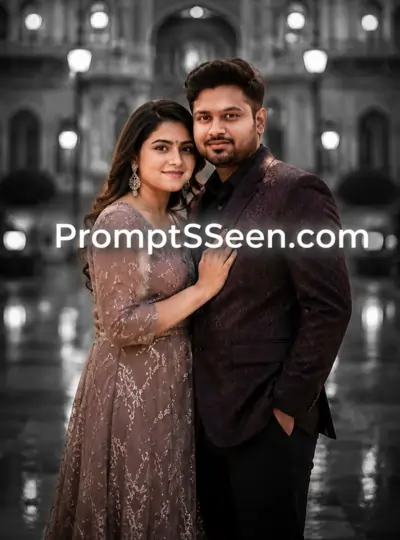
Transform the uploaded image into a stunning selective color photography scene. Convert the entire background to rich black and white while preserving ONLY the main subject in its original vivid colors. Increase the subject's color vibrancy, sharpness, and realism while keeping everything else monochrome. Create dramatic cinematic lighting, ultra-realistic reflections, HDR quality, crisp details, depth, natural shadows, soft atmospheric mist, and a professional landscape composition. Hyper-realistic, 8K, HDR, selective color effect, award-winning photography, masterpiece. Aspect Ratio: 4.5
2. Neon Color Splash
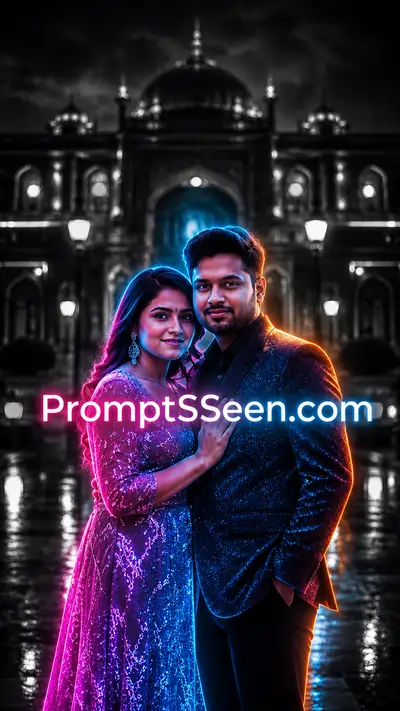
2. Why the Color Collection Trend is Dominating Social Media
A curated selective color collection removes visual clutter and forces attention onto the subject, which is why the look is everywhere on Instagram, Pinterest and ad portfolios. Creators now go beyond "black and white with a pop of red", swapping real colors for neon, metallic gold or exploding paint, and a ready AI photo edit prompt library lets you try these styles instantly.
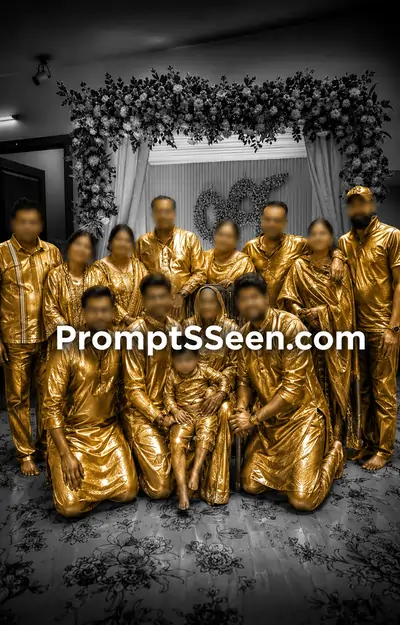
3. Golden Subject Effect
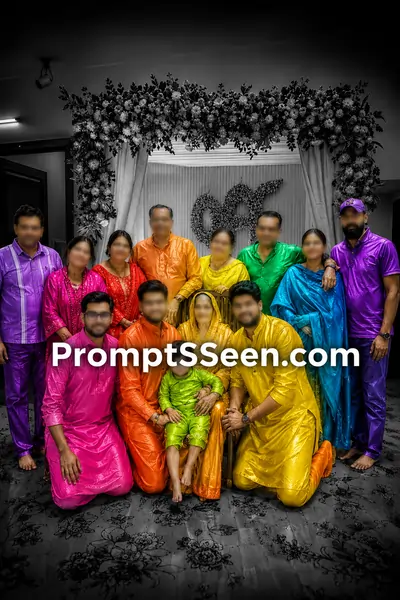
4. Rainbow Object Effect
3. How AI Understands the Color Collection
AI reads your image as data, not as a picture, so a black and white to color isolation needs strict boundaries. "Make the background gray" can bleed gray into the subject's face; our prompts instead use absolute directives like "change ONLY the main subject", where the capitalized ONLY acts as a hard constraint.
5. Paint Explosion
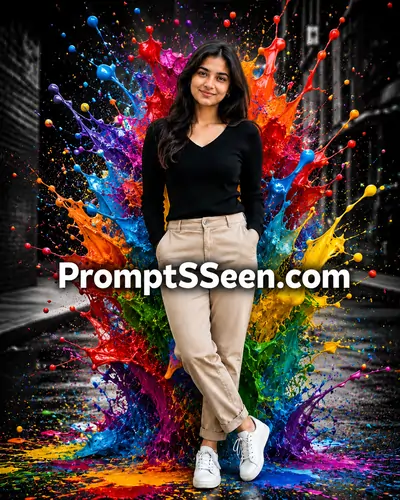
6. Galaxy Subject
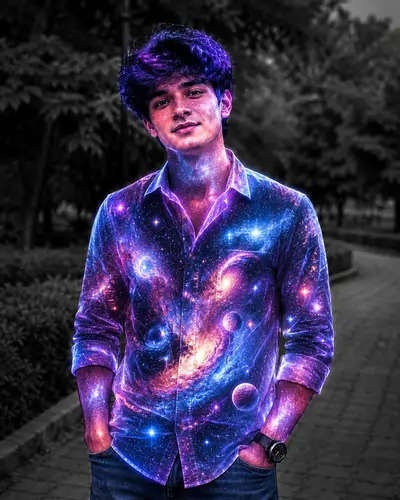
4. Best Practices for Image-to-Image (I2I) Generation
Use an Image-to-Image (I2I) workflow: upload your reference photo along with the prompt, or the AI will invent a scene from scratch. Pick a sharp, high-resolution photo with clear separation between subject and background so the AI can detect the edges cleanly.
7. Dual Color Background
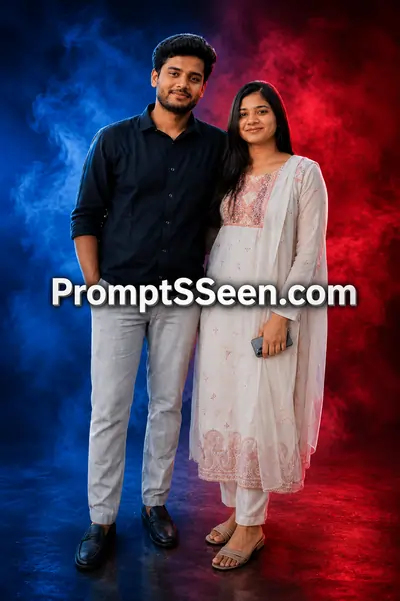
8. Automatic Color Swap
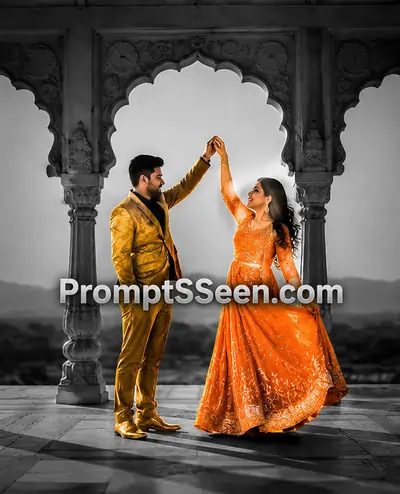
9. Explosive Paint Burst
5. Mastering Lighting and Textures in Selective Color
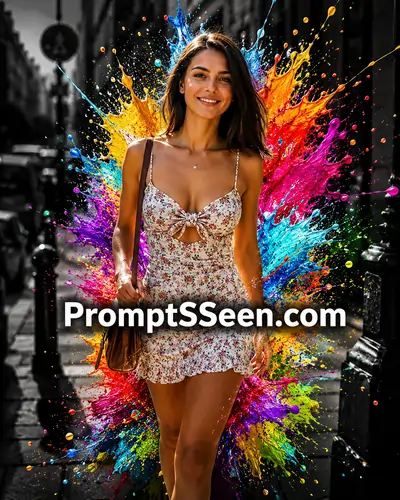
Lighting commands separate a phone filter from a professional paint explosion effect. Terms like "volumetric light beams", "cinematic HDR lighting" and "glossy wet paint textures" make a neon color splash or metallic gold subject render with realistic reflections and deep shadows against the moody monochrome background.
10. Paint Wings & Color Storm
6. Selective Color AI Prompts Library
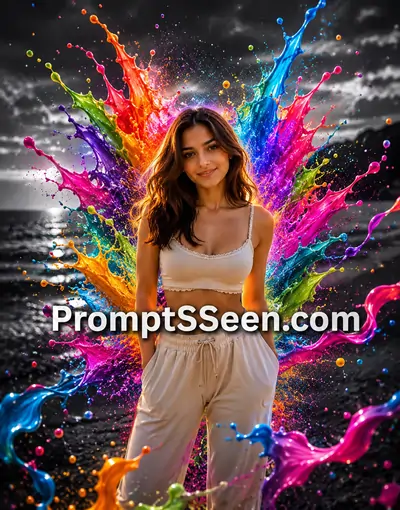
Upload your photo to Gemini or ChatGPT and copy-paste any template above to get your selective color edit.
Master Guide Overview
- 1. The Evolution of the Selective Color Effect
- 2. Why the Color Collection Trend is Dominating Social Media
- 3. How AI Understands the Color Collection
- 4. Best Practices for Image-to-Image (I2I) Generation
- 5. Mastering Lighting and Textures in Selective Color
- 6. Selective Color AI Prompts Library
- 7. Related AI Generators & Prompts
- 8. Frequently Asked Questions (FAQ)
PromptSeen AI के साथ जुड़ें
रोज़ नए वायरल AI प्रॉम्प्ट, सबसे पहले आपके पास
7. Related AI Generators & Prompts

Black White To Color
Master the art of colorizing historical and vintage monochrome photos using AI.

Trending Caricature
Generate highly stylized and humorous caricature portraits from your selfies.

Image to Prompt Generator
Analyze key visual elements to convert photos into high-quality textual commands easily.

Video to Prompt Generator
Convert short videos into structured, high-quality textual AI commands instantly.

AI Prompt Generator
Transform general ideas into expert-structured prompts optimized for text and image models.
Trending AI Prompts
Unlock the secrets behind trending social media art and viral 3D aesthetics.

Photo Editing Prompts
Discover our complete collection of AI text commands for flawless photo retouching.
8. Frequently Asked Questions (FAQ)
What is a selective color collection in AI photography?
A selective color collection refers to a curated set of AI prompts and techniques used to isolate specific hues within an image. It involves converting the background to monochrome while preserving, enhancing, or entirely swapping the colors of the main subject to create dramatic visual contrast.
How do I use these prompts in Gemini or ChatGPT?
You must use the Image-to-Image (I2I) feature. Upload your original photograph into the AI chat interface, then copy and paste one of our structural templates. The AI will read the visual data of your image and apply the text instructions to generate the new edited version.
Why is the AI coloring the background instead of the main subject?
Generative models can sometimes struggle with edge detection. To fix this, your prompt must include strict exclusion commands, such as 'Convert the entire background into dramatic black and white while changing ONLY the main subject'. The word 'ONLY' acts as a strong constraint.
Can I use these selective color prompts for commercial work?
Yes. These prompt structures are designed for high-end editorial and commercial outputs. By including keywords like '8K', 'HDR', and 'magazine cover quality', the generated results are sharp enough for professional advertising and digital marketing campaigns.
How do I make the paint explosion effect look realistic?
Realism in liquid physics requires specific lighting terminology. When generating a paint explosion, you must include descriptors like 'glossy wet paint textures', 'realistic reflections', and 'volumetric light rays' to prevent the paint from looking like a flat, two-dimensional sticker.
Will these prompts change the face of the person in the photo?
If you are editing a portrait, it is crucial to include a facial preservation command. Adding a line like 'Keep the uploaded face exactly recognizable' ensures the AI modifies the color grading and environment without altering the identity of the person.