1. Elevating Your Social Media with AI
Cinematic Instagram portraits used to take hours of manual Photoshop work: cutting out subjects, adding light flares, and heavy color grading. A well-structured ai editing cbpng prompt does the same job in seconds, turning a basic selfie into a dramatic, magazine-quality edit or placing you in a futuristic cyber-city.
1. Cinematic Portrait Editing
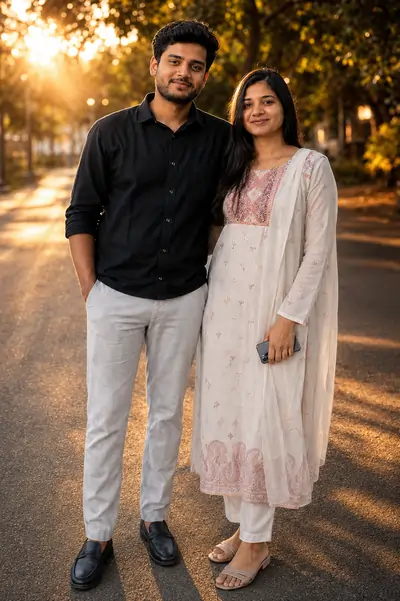
Transform this photo into a cinematic masterpiece with dramatic golden-hour lighting, ultra-realistic skin texture, shallow depth of field, volumetric light rays, premium color grading, DSLR quality, 8K HDR, highly detailed, natural facial features, luxury editorial photography.
2. Why the Cbpng Editing Aesthetic is Trending
The "Cbpng Edit" style is a viral social media staple: hyper-realistic backgrounds, glowing neon elements, moody contrast, and sharp subject focus. AI models are trained on exactly these visual patterns, so one descriptive template can generate backgrounds from luxury supercars and royal palaces to cyberpunk streets, all optimized to look premium in reels and carousel posts.
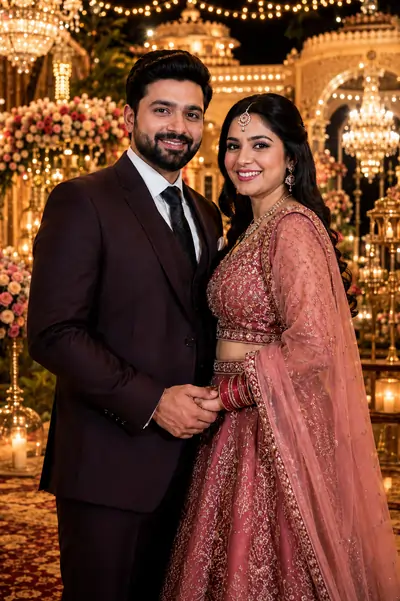
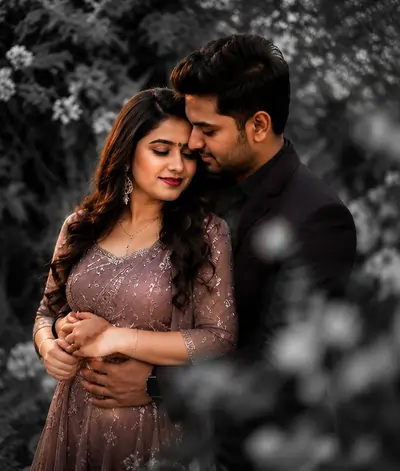
2. Luxury Wedding Editing
3. Mastering High Resolution and Lighting Adjustments
The biggest risk with AI photo edits is losing your facial identity. In Image-to-Image tools, explicitly command the engine to preserve your face so it only changes the environment, clothing, and lighting. To avoid a flat or cartoonish look, add technical terms like "high resolution", "DSLR quality", "volumetric light rays", and "8K HDR", which force realistic skin, fabric, and reflection textures.
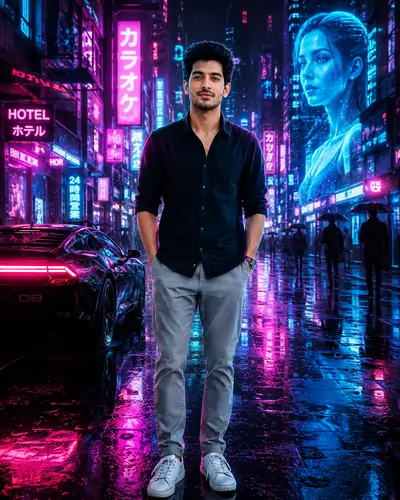
3. Neon Cyberpunk Editing
4. Top AI Photo Editing Templates (Copy & Paste)
Pick an aesthetic below, copy the text, and paste it into your AI tool along with your reference photo.
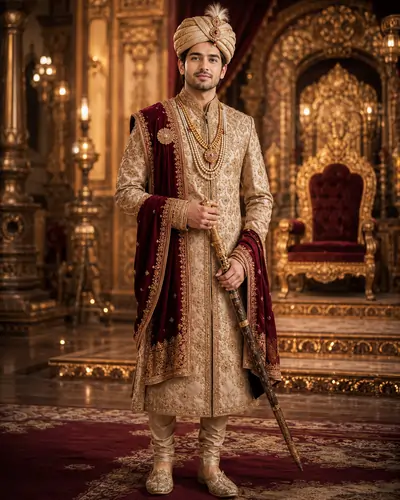
4. Royal Maharaja Look
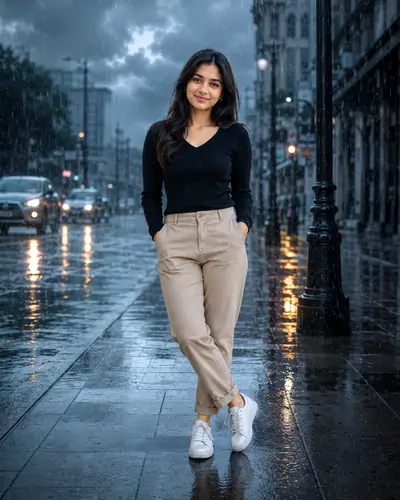
5. Rain Mood Editing
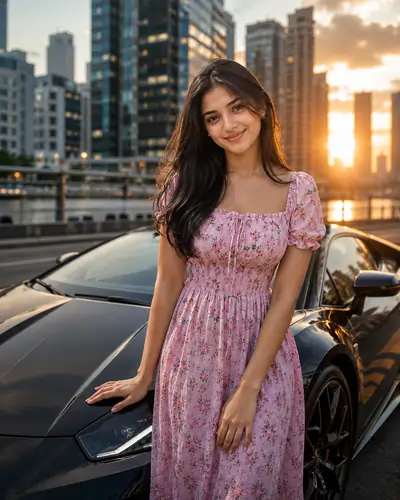
6. Luxury Car Photoshoot
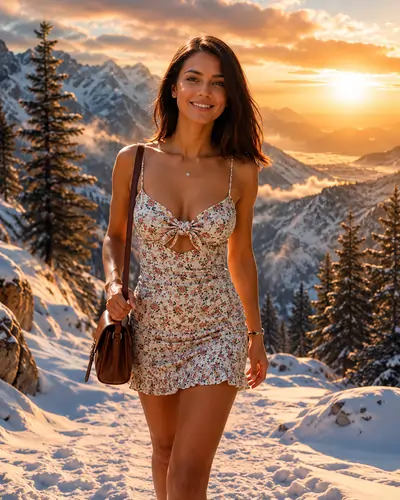
7. Mountain Adventure Editing
8. Selective Color Editing
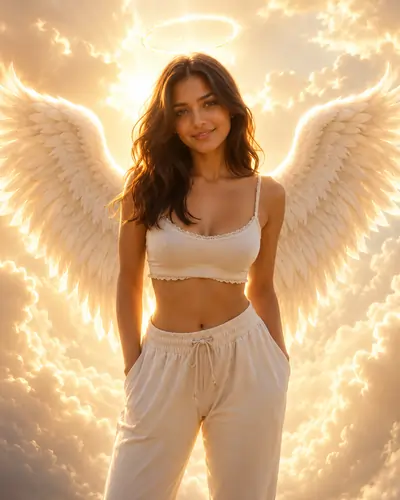
9. Fantasy Angel Editing
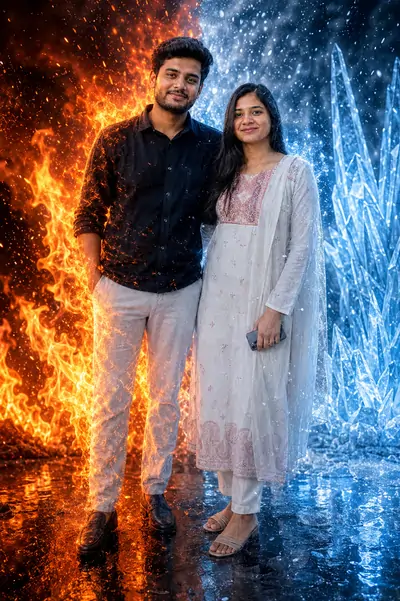
10. Fire & Ice Dual Effect
Guide Overview
PromptSeen AI के साथ जुड़ें
रोज़ नए वायरल AI प्रॉम्प्ट, सबसे पहले आपके पास
5. Frequently Asked Questions (FAQ)
What is an AI background replacement prompt?
It is a specialized text instruction used in generative AI tools. It mimics the popular CB background editing style, which traditionally involves manipulating transparent PNG elements and light flares, to automatically create high-contrast, cinematic portraits without manual effort.
How do I maintain the same face when using an AI editing template?
To achieve strict facial consistency, you must use an Image-to-Image (I2I) tool. Upload your original photo and use our provided instructions that explicitly command the AI to preserve facial identity while only adapting the background and lighting.
Can I use these AI photo templates for Instagram reels?
Yes. Once you generate the high-resolution image using these templates, you can import the photo into a video editor like CapCut to add zoom effects, trending music, and dynamic transitions, making it perfectly optimized for viral Instagram reels.
Why are my AI photo edit results lacking detail?
If your results look soft or cartoonish, you need to add specific quality modifiers. Keywords like '8K HDR', 'DSLR photography', 'cinematic lighting', and 'ultra-realistic skin texture' force the engine to render photorealistic details.
Which AI tools are best for processing these Instagram prompts?
Tools like Google Gemini, ChatGPT (DALL-E 3), and Midjourney are excellent for processing these specific text instructions. They deeply understand complex lighting conditions and intricate environmental replacements.
Are these AI editing prompts suitable for wedding photos?
Absolutely. We have included a specific Luxury Wedding template in this guide that replaces dull backgrounds with grand chandeliers and golden palace architecture while carefully preserving your traditional outfits.
How do I get a glowing neon look for my cyberpunk edits?
Use our Neon Cyberpunk template. It incorporates essential descriptive words like glowing reflections, neon pink and blue lights, and volumetric lighting to achieve that highly sought-after futuristic aesthetic.
Do I need to know Photoshop to use these AI templates?
No prior Photoshop experience is required. The beauty of text-to-image generation is that the artificial intelligence handles all the complex masking, color grading, and edge blending automatically based on your instructions.