Master Guide Overview Ayodhya RAM Mandir Image
- 1. The Spiritual Convergence of Technology and Devotion
- 2. Why You Need a Specific Ram Mandir Prompt
- 3. The Challenge of Facial Consistency in Religious Edits
- 4. Ensuring Architectural Accuracy of Shri Ram Janmabhoomi
- 5. Mastering Lighting, Mood, and Divine Atmosphere
- 6. Complete Ram Mandir AI Prompts Library
- 7. Related AI Generators & Prompts
- 8. Frequently Asked Questions (FAQ)
1. The Spiritual Convergence of Technology and Devotion
The Shri Ram Janmabhoomi Mandir in Ayodhya is one of the most important spiritual landmarks in modern India. Millions of devotees wish to stand before Shri Ramlalla with folded hands, but travelling there is not always possible. With generative AI, you can now create an ultra-realistic portrait of yourself at the temple grounds that feels like a real pilgrimage photo.
A well-structured Ram Mandir Prompt does much more than paste a selfie onto a background. It guides the AI on lighting, haze, fabric texture and shadows, so you blend naturally into the sacred setting and the result looks like a professional golden-hour photograph from Ayodhya.
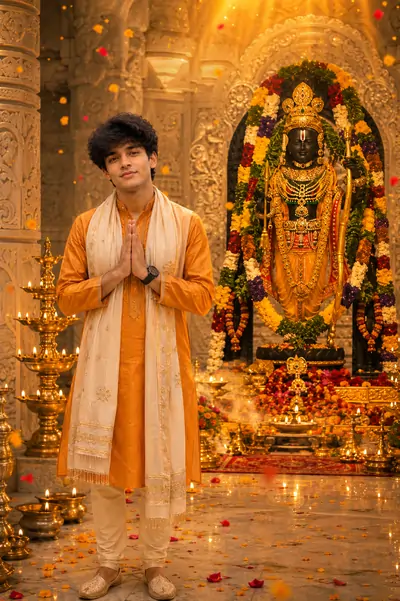
1. Divine Portrait (Face Unchanged)
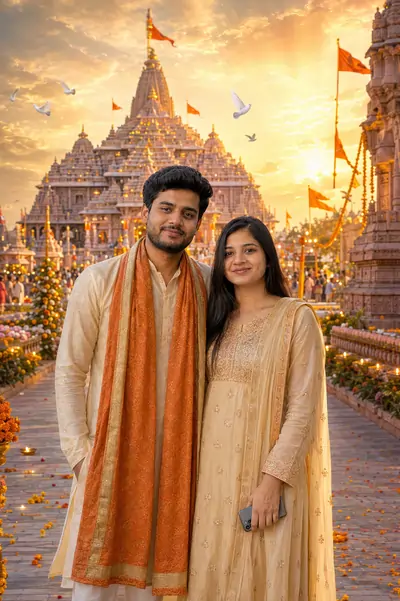
Transform the uploaded photo into a breathtaking divine portrait at the magnificent Shri Ram Mandir, Ayodhya. Preserve the person's face, hairstyle, beard (if any), skin tone, expression, body proportions, and identity exactly as in the uploaded photo. Do not change or recreate the face in any way. Replace the background with the grand Shri Ram Mandir glowing in the warm golden light of sunrise. Dress the person in elegant traditional Indian attire in saffron and cream tones with a royal silk shawl, subtle golden embroidery, and a graceful spiritual appearance while keeping the body posture natural. Surround the scene with saffron flags, thousands of glowing diyas, floating flower petals, sacred incense smoke, lush gardens, carved sandstone architecture, cinematic golden sun rays, soft volumetric lighting, white doves flying overhead, and a peaceful devotional atmosphere. Add realistic shadows, HDR lighting, ultra-sharp facial details, natural skin texture, premium color grading, and professional portrait photography quality. The image should feel majestic, spiritual, and highly realistic. Ultra-realistic, photorealistic, cinematic, 8K, HDR, masterpiece, award-winning portrait photography, razor-sharp focus, highly detailed, natural colors, realistic textures. Negative Prompt: blurry, low quality, low resolution, cartoon, anime, painting, CGI, overprocessed skin, distorted face, different face, extra fingers, extra limbs, duplicate person, watermark, logo, text, artifacts, oversaturated colors.
PromptSeen AI के साथ जुड़ें
रोज़ नए वायरल AI प्रॉम्प्ट, सबसे पहले आपके पास
2. Why You Need a Specific Ram Mandir Prompt
AI tools like Google Gemini, ChatGPT and Midjourney only follow the words you give them. A vague instruction such as "put my photo in a temple" usually produces a generic or cartoonish structure that looks nothing like Ayodhya.
A specialized Prompt works as a detailed blueprint. Our Prompts name exact elements like "pink sandstone architecture," "intricate carvings," "saffron flags" and "glowing brass diyas," which pushes the AI toward a realistic and culturally accurate Shri Ram Mandir.
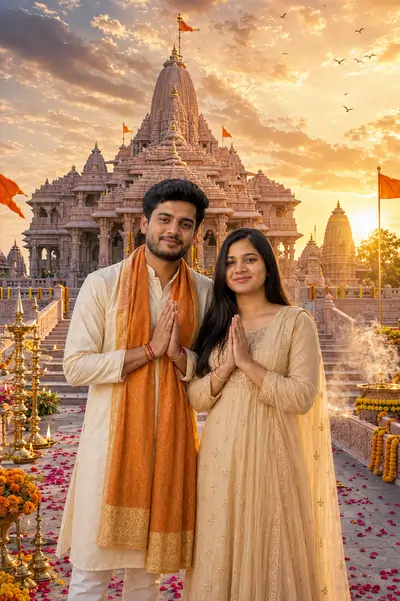
2. Real Mandir Architecture
3. The Challenge of Facial Consistency in Religious Edits
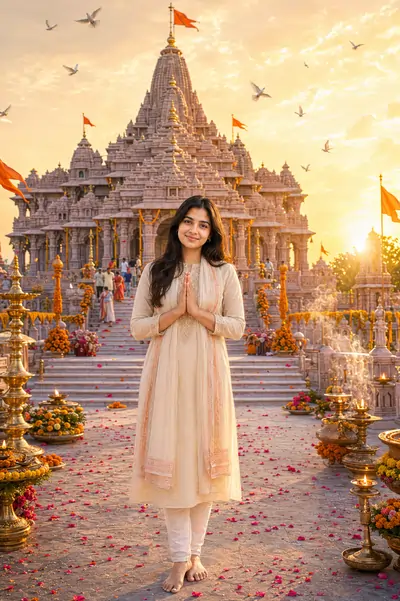
The most common problem with AI portraits is losing your own face. Models tend to "beautify" faces to match the background, so the person in front of Shri Ramlalla ends up looking like a stranger. The Image-to-Image (I2I) workflow is the key fix.
Our templates include strict preservation lines such as "Preserve the person's face, identity, and skin tone exactly as in the uploaded photo" and "Do not alter or regenerate the face." These tell the AI to keep your face untouched and apply changes only to the attire and the temple background.
3. Perfect Background Match
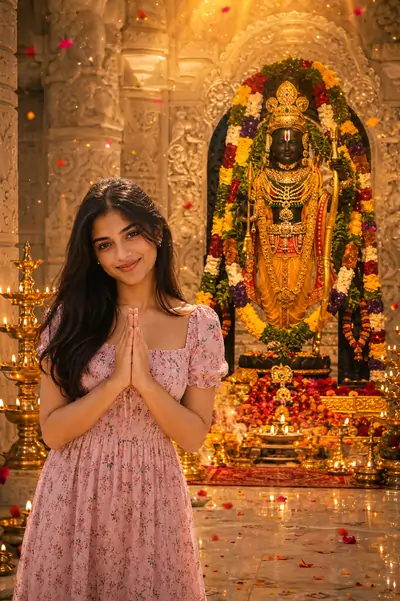
4. Divine Darshan Portrait
4. Ensuring Architectural Accuracy of Shri Ram Janmabhoomi
The Ram Mandir has a distinct look: the grand Nagara style, tall shikharas, carved pillars and the sacred sanctum sanctorum. Getting this wrong weakens the spiritual feel of the image, and many AI models cannot recreate the landmark accurately from memory.
That is why several templates ask the AI to use an uploaded reference image of the actual temple or the Shri Ramlalla idol. A line like "Use the uploaded Ram Mandir image as the exact background reference" stops the AI from inventing architecture and keeps your portrait true to the real location.
5. Royal Devotee Portrait
5. Mastering Lighting, Mood, and Divine Atmosphere
Lighting is what separates an amateur edit from a frame-worthy picture. A flatly lit person on a dramatic background instantly looks fake, so a professional Ram Mandir Prompt must describe how light falls on both the temple and the devotee.
Our prompts use photography terms like "cinematic golden sun rays," "soft volumetric lighting," "sacred incense smoke" and "premium DSLR photography." This helps the AI create natural shadows and a warm temple glow on your clothes and skin, for a calm, realistic devotional look.
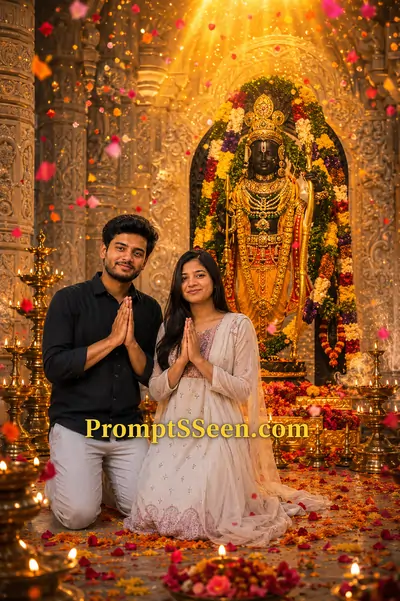
6. Flower Shower Blessing
6. Complete Ram Mandir AI Prompts Library
Below is our full set of ultra-realistic templates. For the best results, use the Image-to-Image (I2I) feature in Gemini or ChatGPT: upload a clear reference photo, then copy-paste the text block to generate your divine portrait.
7. Divine Blessing Scene
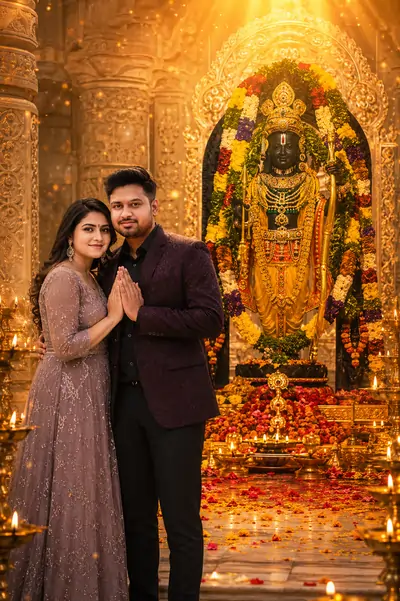
8. Traditional Indian Devotion
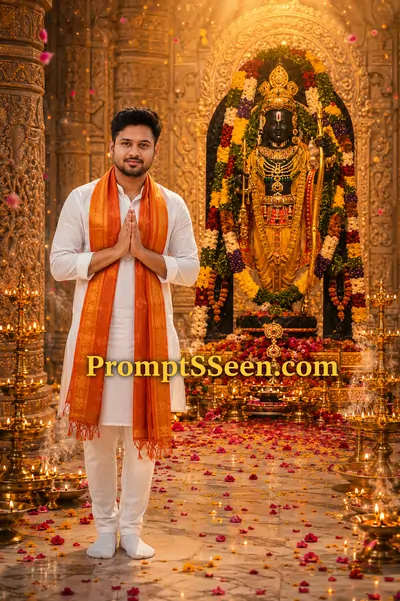
9. Morning Darshan
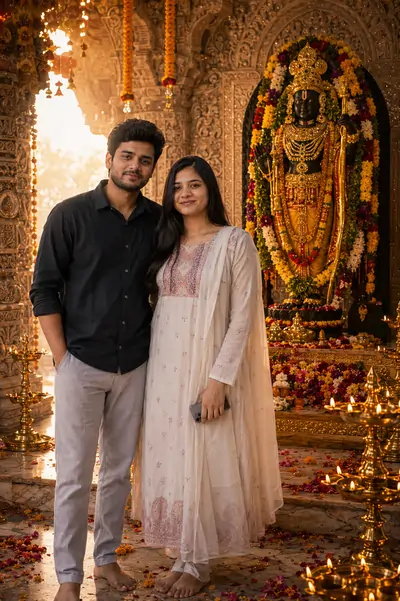
10. Temple Blessing Close Portrait
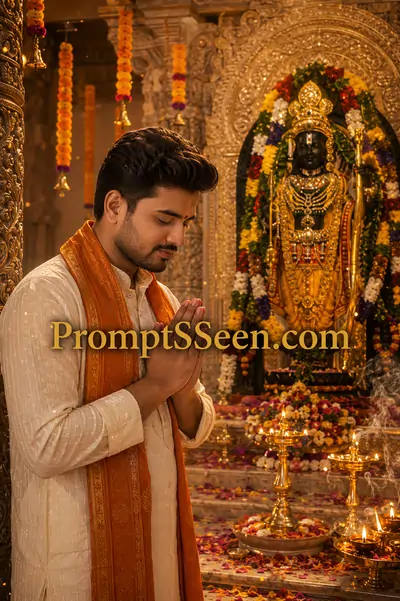
7. Related AI Generators & Prompts




8. Frequently Asked Questions (FAQ)
What is a Ram Mandir Prompt?
A Ram Mandir Prompt is a specific set of text instructions designed for generative AI models. It directs the AI to seamlessly blend a user's uploaded portrait with a hyper-realistic, majestic background of the Shri Ram Janmabhoomi Mandir in Ayodhya, creating a divine and highly realistic photograph.
How do I ensure the AI does not change my face?
To prevent the AI from altering your facial identity, you must use an Image-to-Image (I2I) generation method and include strict preservation commands in your prompt. Phrases like 'Preserve the person's face, identity, and skin tone exactly as in the uploaded photo' act as mathematical anchors to lock your facial features.
Why is my AI-generated temple looking like a cartoon?
If your generation looks like a cartoon or painting, your prompt lacks photographic constraints. You must include powerful modifiers such as 'ultra-realistic', 'DSLR photography', '8K', and 'cinematic lighting'. Additionally, utilizing a strong Negative Prompt (e.g., 'cartoon, anime, painting, CGI') will force the AI into a photorealistic output.
Can I use these prompts on both Google Gemini and ChatGPT?
Yes, these structural templates are meticulously optimized for modern large vision models. They perform exceptionally well in Google Gemini Advanced and ChatGPT (DALL-E 3) when you upload a high-quality reference photo alongside the text.
Should I use a reference image of the Ram Mandir?
Absolutely. Providing an authentic reference image of the real Shri Ram Janmabhoomi Mandir or the Shri Ramlalla idol prevents the AI from 'hallucinating' generic or culturally inaccurate temple architecture. It ensures the final edit remains perfectly true to the actual location in Ayodhya.
How do I make the lighting look divine and realistic?
Lighting is everything in digital composition. Incorporate specific lighting vocabulary into your prompt, such as 'cinematic golden sun rays', 'soft volumetric lighting', and 'HDR lighting'. These terms instruct the AI engine to calculate complex light bounces, creating a warm, spiritual, and professional atmosphere.