Communicating in your native language has never been more important in the digital age. Whether you are a student preparing for competitive exams, a professional drafting emails, or a content creator writing a script, the ability to type accurately in Devanagari is essential. However, learning complex keyboard layouts can be frustrating and time-consuming. That is exactly where an AI Typing Tool in Hindi transforms the experience. By leveraging advanced artificial intelligence and transliteration technology, you can now write effortlessly in Hindi using a standard English keyboard.
In this comprehensive guide, we will explore how you can master typing online, utilize our free tool to enhance your workflow, and answer common questions about improving your typing speed and accuracy in India.
1. AI Hindi Typing Tool
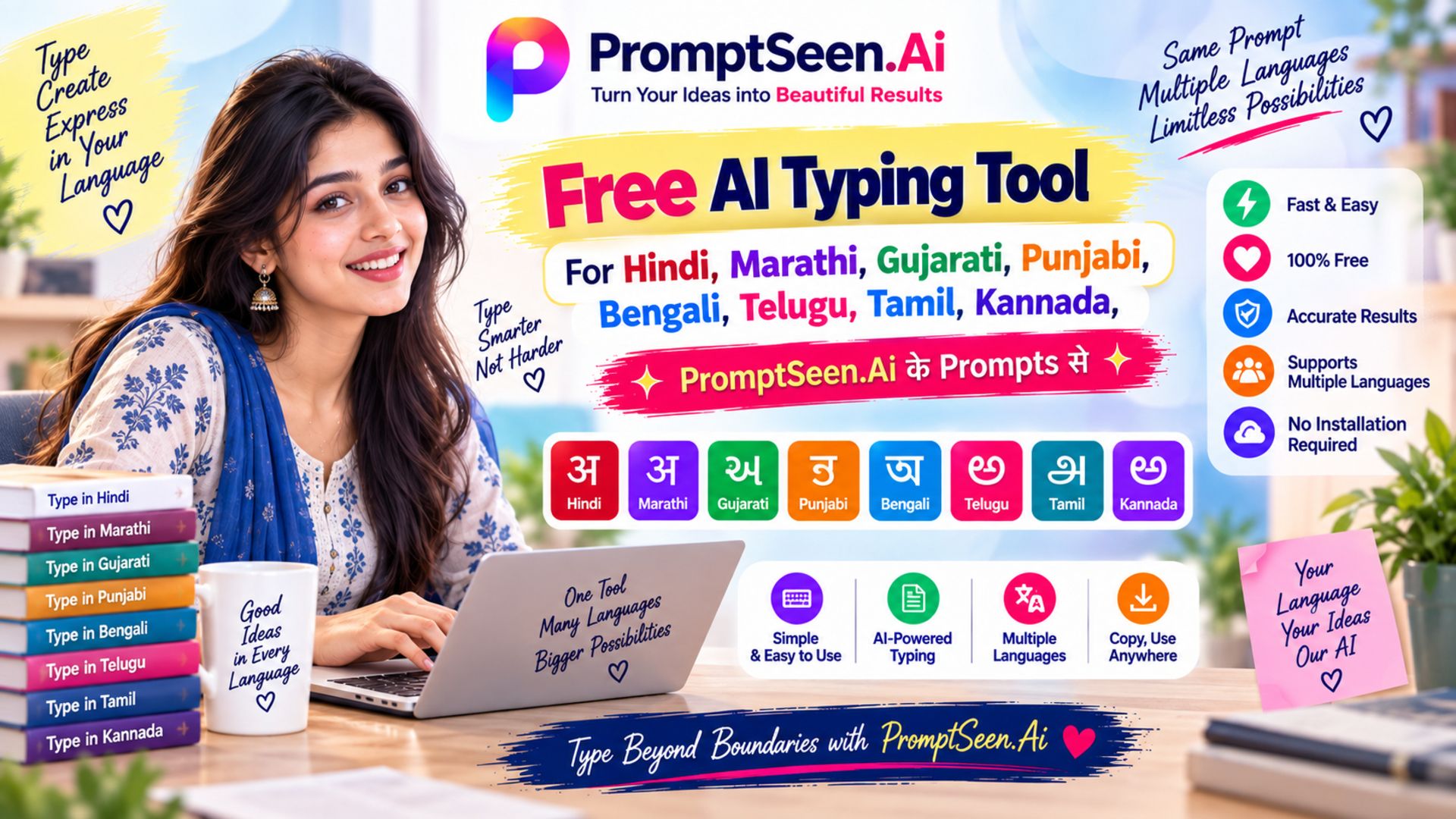
Welcome to the future of digital linguistics. Our ai hindi typing tool is designed specifically to bridge the gap between complex keyboard layouts and user-friendly interfaces. Previously, typing in regional languages meant you had to memorize traditional layouts like Kruti Dev or Remington. However, with the integration of AI, the process is now purely phonetic.
This means if you want to write "India", you simply use your English to Hindi typing keyboard and type "Bharat", and the AI transliterates it instantly into "भारत". This ai typing tool in hindi is powered by intelligent algorithms that understand context, predict words, and offer accurate suggestions the moment you hit the spacebar. Whether you are searching for ai in hindi content creation or just chatting with friends, this tool removes all technical barriers.
2. Type in Hindi Online Easily
One of the biggest advantages of modern web technology is accessibility. You no longer need to perform an English to Hindi typing download or install heavy software on your computer. You can simply open your browser and begin hindi typing online.
Our platform acts as a seamless hindi typing tool that requires zero setup. Whether you are using a desktop at an office in Delhi, or a mobile phone on a train, online hindi typing is instantly available. Just bookmark this page, and you have a permanent, reliable hindi keyboard typing solution at your fingertips. The auto-save feature ensures that even if you accidentally close the tab, your hard work remains intact.
3. AI Hindi Typing Practice
Knowing how to type is one thing; mastering it is another. Regular hindi typing practice is crucial for anyone looking to enter data entry jobs, government clerk positions, or professional translation services. While the AI assists with transliteration, getting familiar with the phonetic flow requires dedication.
You can use this platform for your daily typing practice online. Try taking an English news article and retyping it phonetically. Our AI will correct minor spelling mistakes, allowing you to focus on your keystrokes. We highly recommend using this free hindi typing editor for at least 30 minutes a day to build muscle memory and improve your overall WPM (Words Per Minute).
4. Hindi Typing Questions
If you are preparing for a government hindi typing test (such as SSC, Railway, or State Board exams), you will often face specific hindi typing questions designed to test your accuracy and speed under pressure.
These typing questions usually involve typing complex passages containing numbers, special symbols, and half-letters (आधे अक्षर). Our virtual keyboard provides all the necessary Matras and Consonants to tackle the most difficult typing test passages. Practicing these questions repeatedly is the only way to ensure you don't panic during an actual examination.
5. Typing Speed Kaise Badhaye (How to Increase Speed)
A very common question among beginners is: "Typing speed kaise badhaye?" (How to increase typing speed?) or specifically, "Hindi typing speed kaise badhaye?" Improving your speed is a systematic process. Whether you are wondering typing kaise sikhe or hindi typing kaise sikhe, the principles remain the same. Follow these core steps to boost your WPM:
- ✔ Daily Typing Practice: Consistency is key. Dedicate a specific time each day solely to online typing. The more you use the keyboard, the more familiar your fingers become with key placements.
- ✔ Prioritize Accuracy Over Speed: In the beginning, do not rush. Current typing guides universally agree that you must focus on hitting the correct keys first. Speed will naturally follow as your accuracy improves. A fast typist with 60% accuracy is slower than a steady typist with 98% accuracy because of the time wasted hitting backspace.
- ✔ Correct Finger Placement: Use the "Home Row" technique. Place your left fingers on A, S, D, F and your right fingers on J, K, L, ;. Let your thumbs rest on the spacebar. This ergonomic positioning is critical for long-term speed.
- ✔ Stop Looking at the Keyboard: This is known as "touch typing." Train your brain to remember where the keys are. Looking down breaks your concentration and severely limits how fast you can go.
- ✔ Take Regular Typing Tests: Challenge yourself weekly. By taking timed typing tests, you can track your progress, identify your weak keys, and simulate the pressure of a real exam environment.
6. Popular Hindi Typing Tools & Websites
While our ai hindi typing tool is perfect for phonetic transliteration, the Indian digital space offers various platforms tailored for specific typing needs. If you are deeply involved in typing india communities, you might be familiar with these popular topic entities:
- 💻 Typing Master Pro & Typing Wala: Excellent software choices for absolute beginners looking for structured, lesson-based learning.
- 💻 Typing Baba Hindi & Typing Baba English Typing: Widely used platforms for taking official mock tests and practicing specific layouts like Mangal and InScript.
- 💻 Typing Mitra & Typing Cat: Great online resources that offer gamified typing experiences and real-time WPM tracking.
- 💻 Typing Rush, Typing Monkey & Typing Bird: Fun, interactive web-based games designed to make typing practice less boring for students and children.
Using a combination of these tools alongside our English to Hindi typing Google powered transliteration editor will give you a well-rounded typing education.
7. Hindi Typing vs English Typing
There is a distinct difference between English typing and writing in Devanagari. English relies on a straightforward 26-letter alphabet. In contrast, Devanagari is phonetic and uses a complex system of consonants (Vyanjan), vowels (Swar), and modifiers (Matras).
Traditional Hindi Typing requires the user to memorize which English key corresponds to which half-letter or modifier. This steep learning curve is why many users search to download Hindi typing keyboard applications. However, our hindi typing ai tool eliminates this struggle entirely. By using phonetic logic (typing exactly how a word sounds in English), the AI bridges the gap, making writing in regional languages just as fast and intuitive as English.